
ELF SABERS
ELF - QUI V2
ELF - QUI V2
Ships within 5 business days
* For convenience store and Pay-easy payments, the estimate starts once payment is confirmed.Couldn't load pickup availability
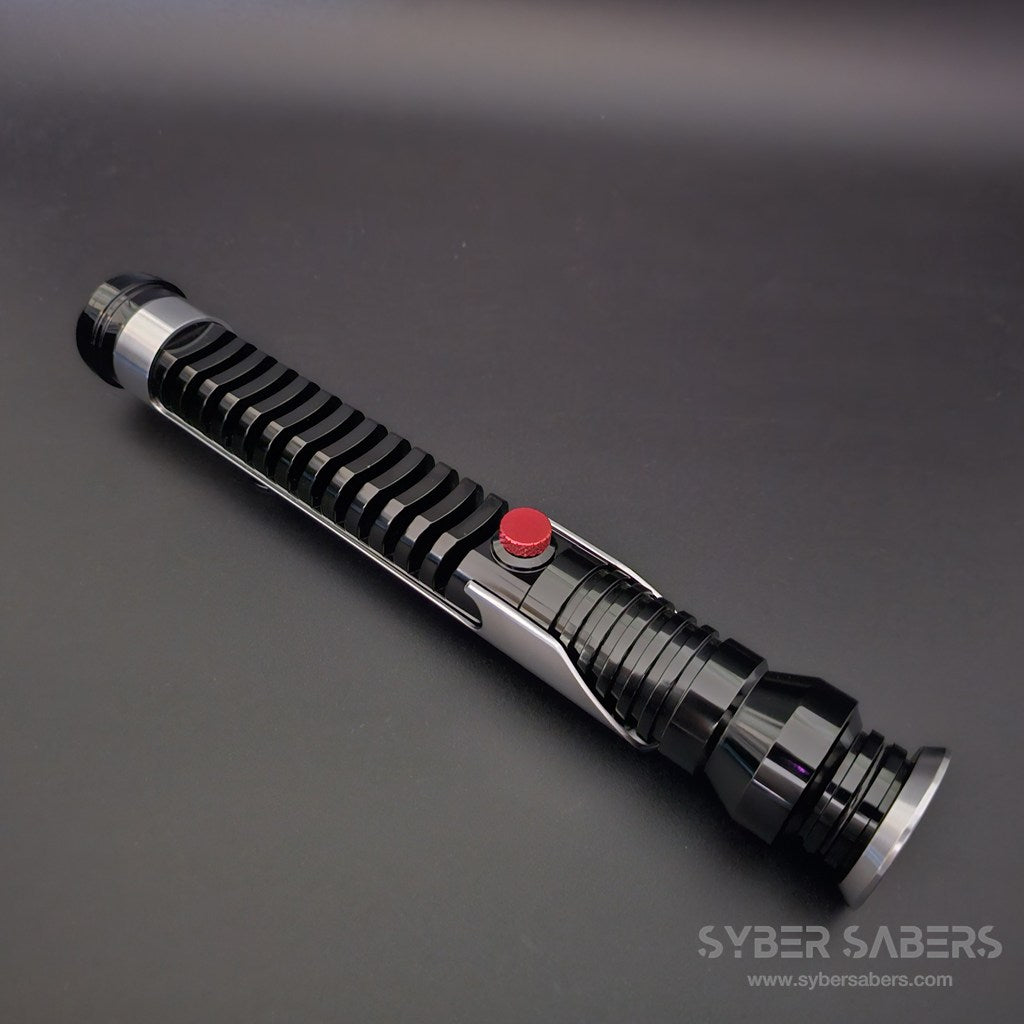
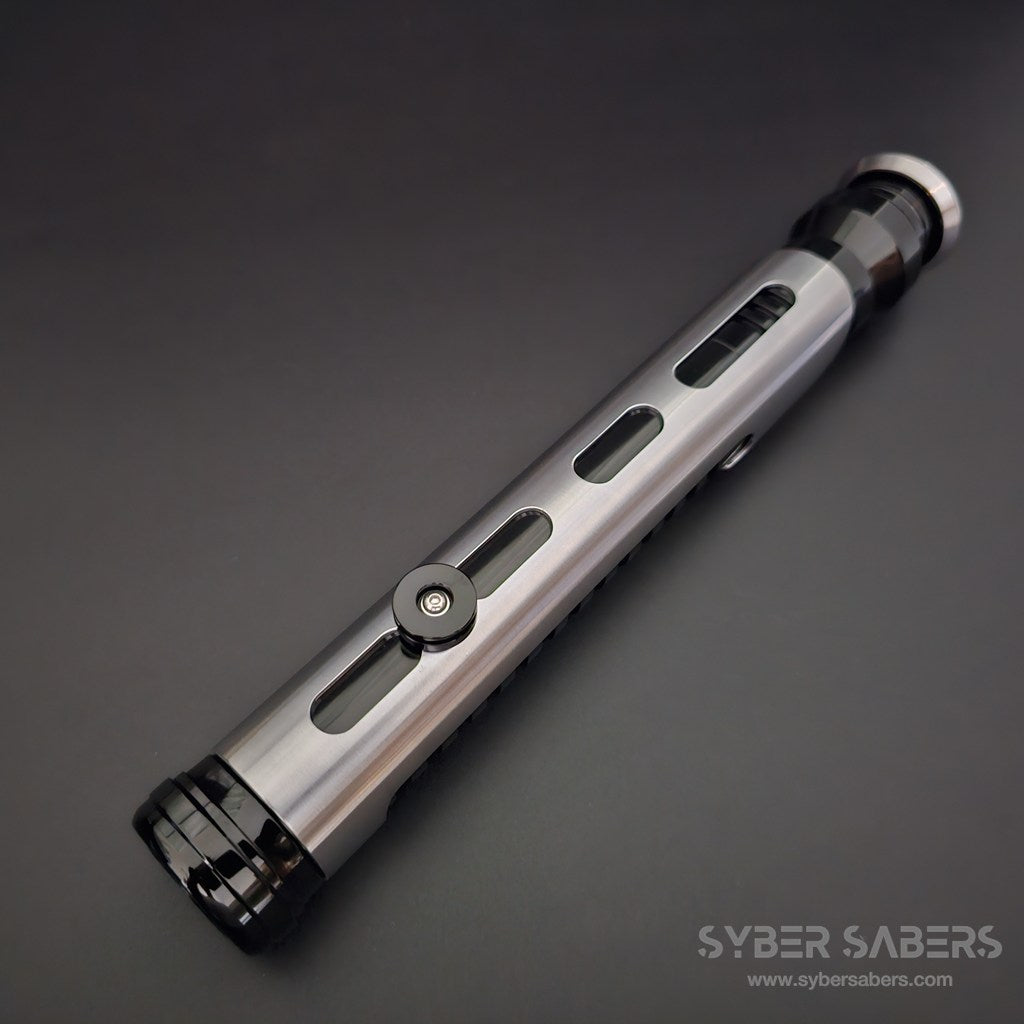
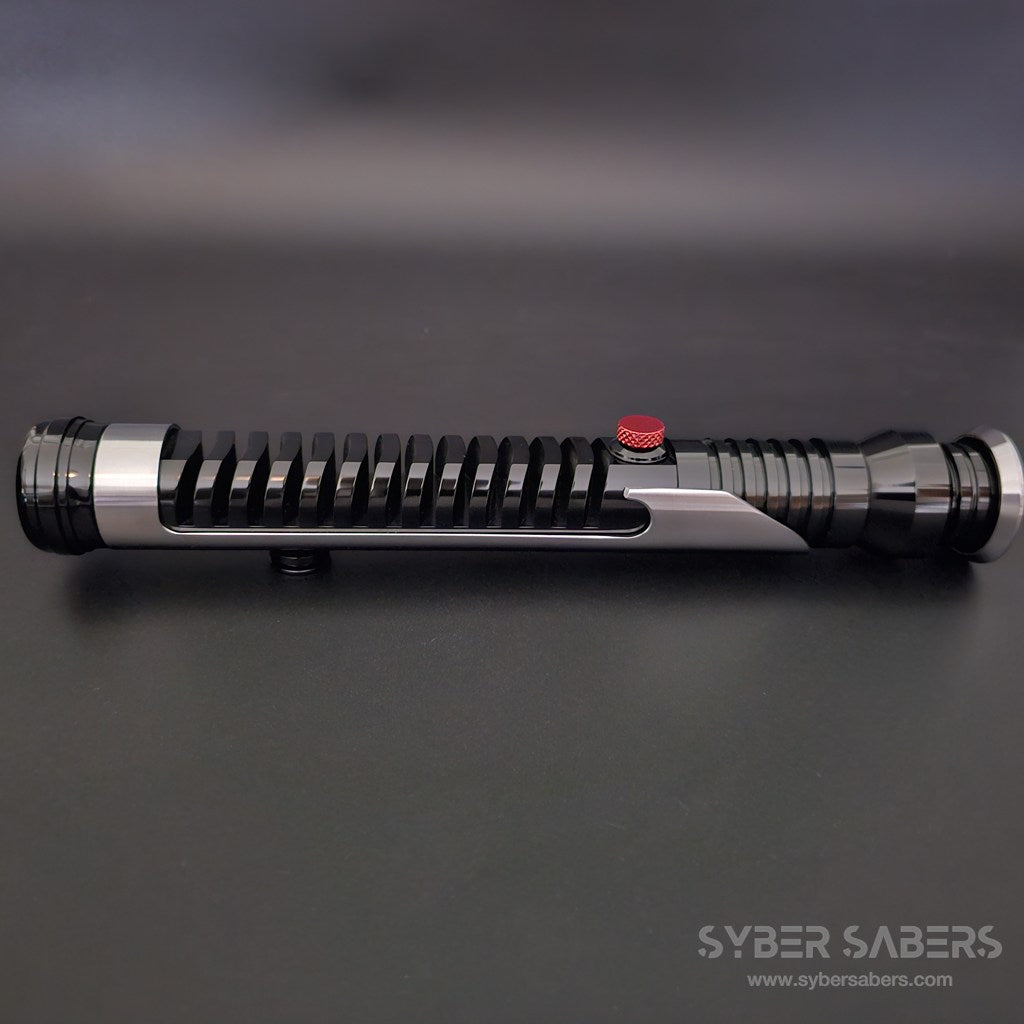
Introducing the "QUI V2 (MasterQG)" high-end saber from ELF SABERS, inspired by Qui-Gon Jinn.
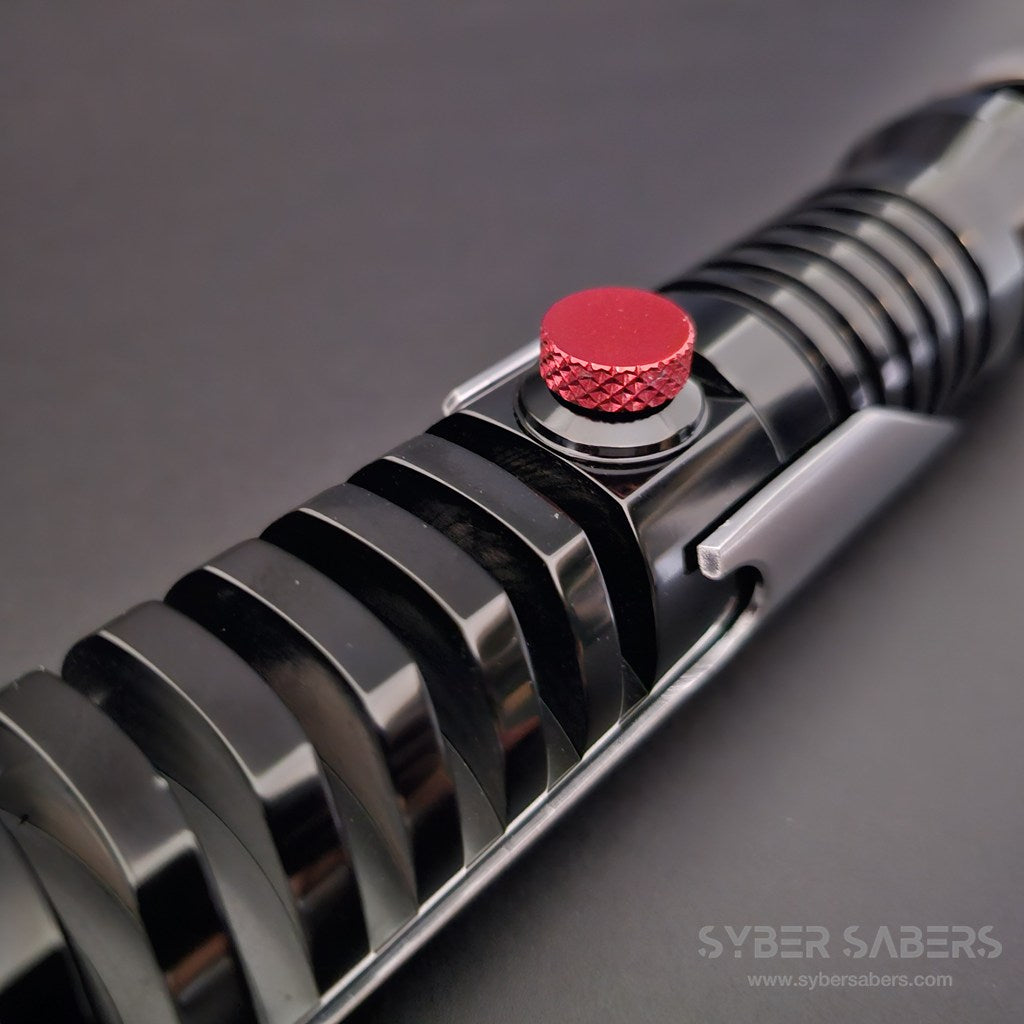
With its distinctive bellows-like, deeply recessed grooves perfectly reproduced, this meticulously crafted saber boasts prop-level perfection.
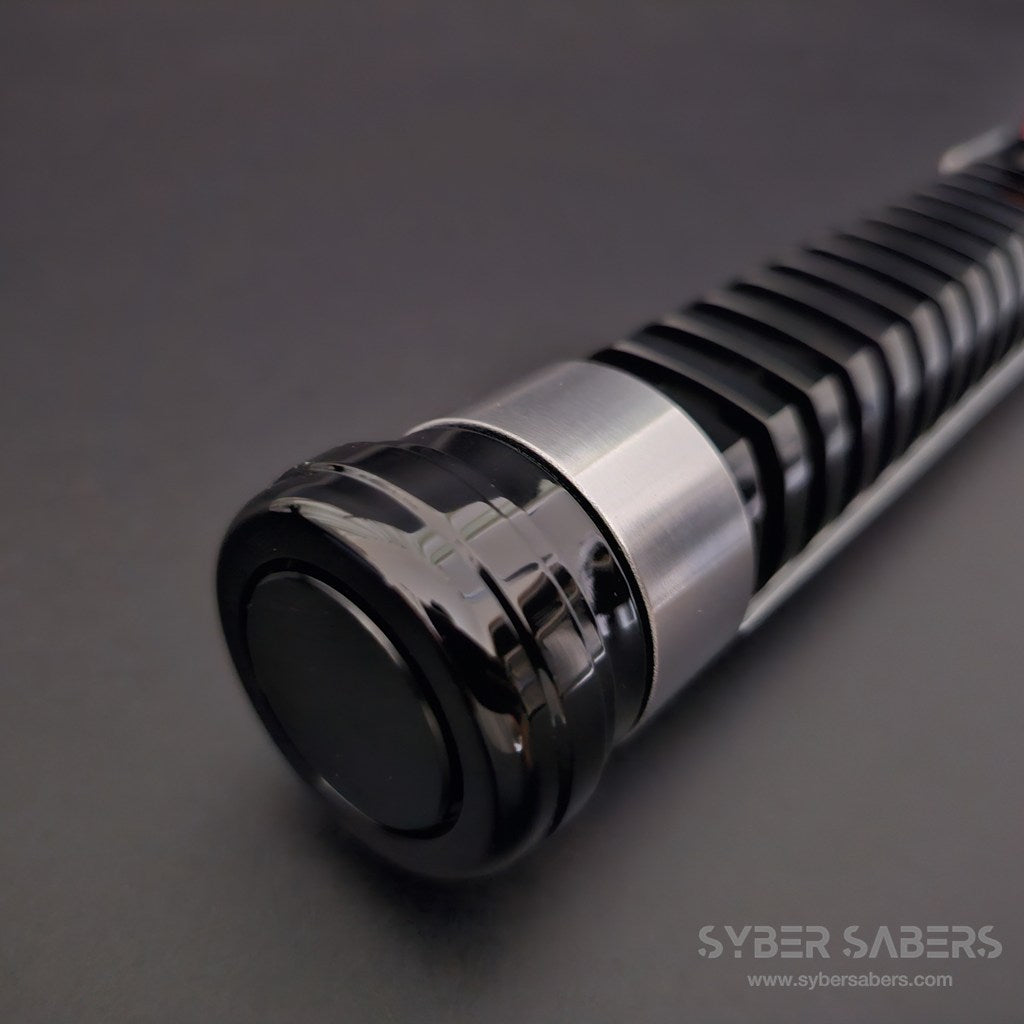
The blade retention screw is cleverly concealed inside the emitter ring, offering a sleek design that doesn't compromise its appearance.
Furthermore, it comes standard with a 28mm speaker, allowing you to enjoy saber action with powerful, loud audio.
This saber achieves a high level of perfection in appearance, sound, and practicality.
Product Specifications
| LED Illumination Method | NeoPixel |
| Button Specification | 1 Button |
| Button Type | Red Button |
| Installed Board | Proffieboard V3.9 |
| Installed Speaker | 28mm 4Ω2W Speaker |
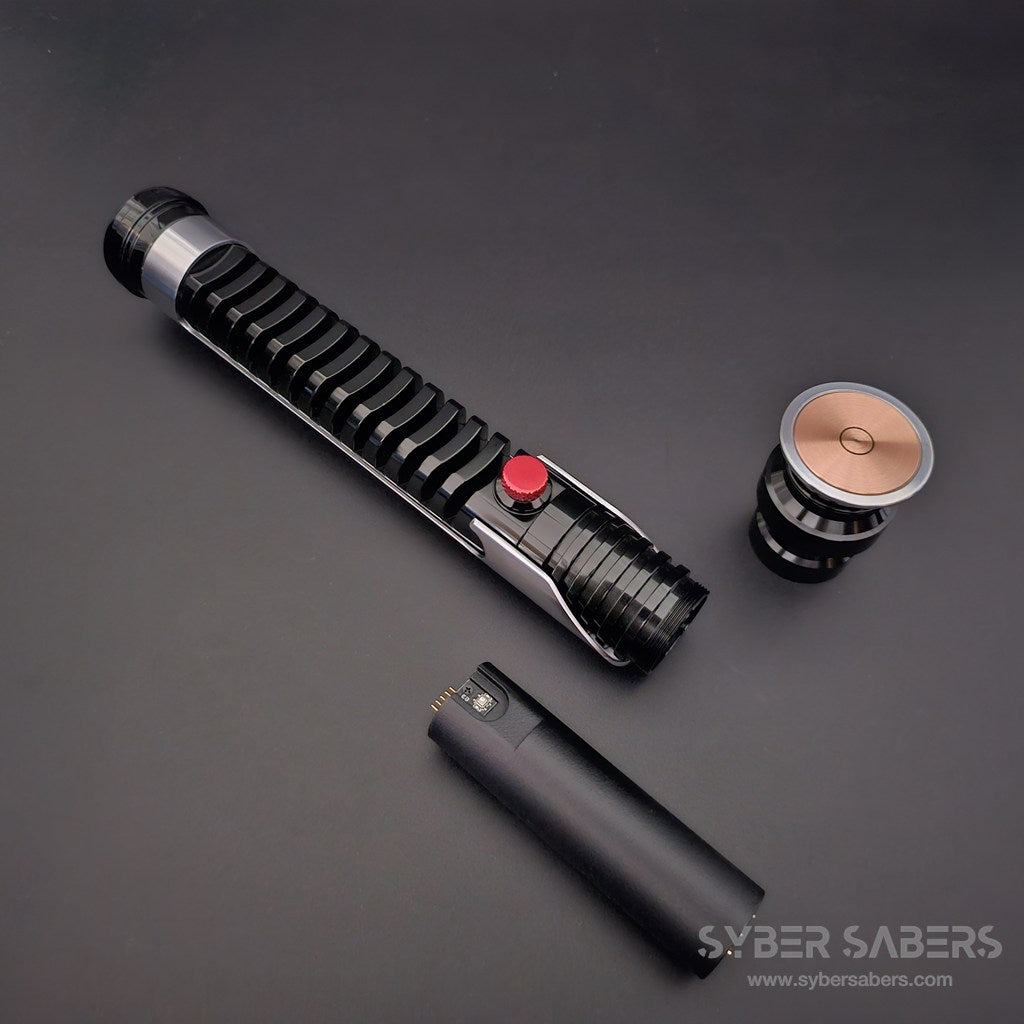
| Charging Method | Removable Battery System |
| Battery Standard | KEEPPOWER 18650 Lithium-ion Battery (PSE Compliant) |
| Blade Inch | 1 Inch |
Contents
- Main Unit
- Blade Plug
- Charger
- NeoPixel Blade (Optional)
Other Notes
How to Attach the Blade
When securing the blade, first remove the silver emitter ring and then tighten the screw located beneath the ring to secure the blade. The screw hole is designed to be hidden inside the emitter ring, providing a smart structure that does not compromise the appearance.
Regarding the Battery Chassis
Please be careful not to let the connector at the battery chassis connection point touch conductive materials such as metal. This could cause a short circuit or malfunction.
How to Access the Board
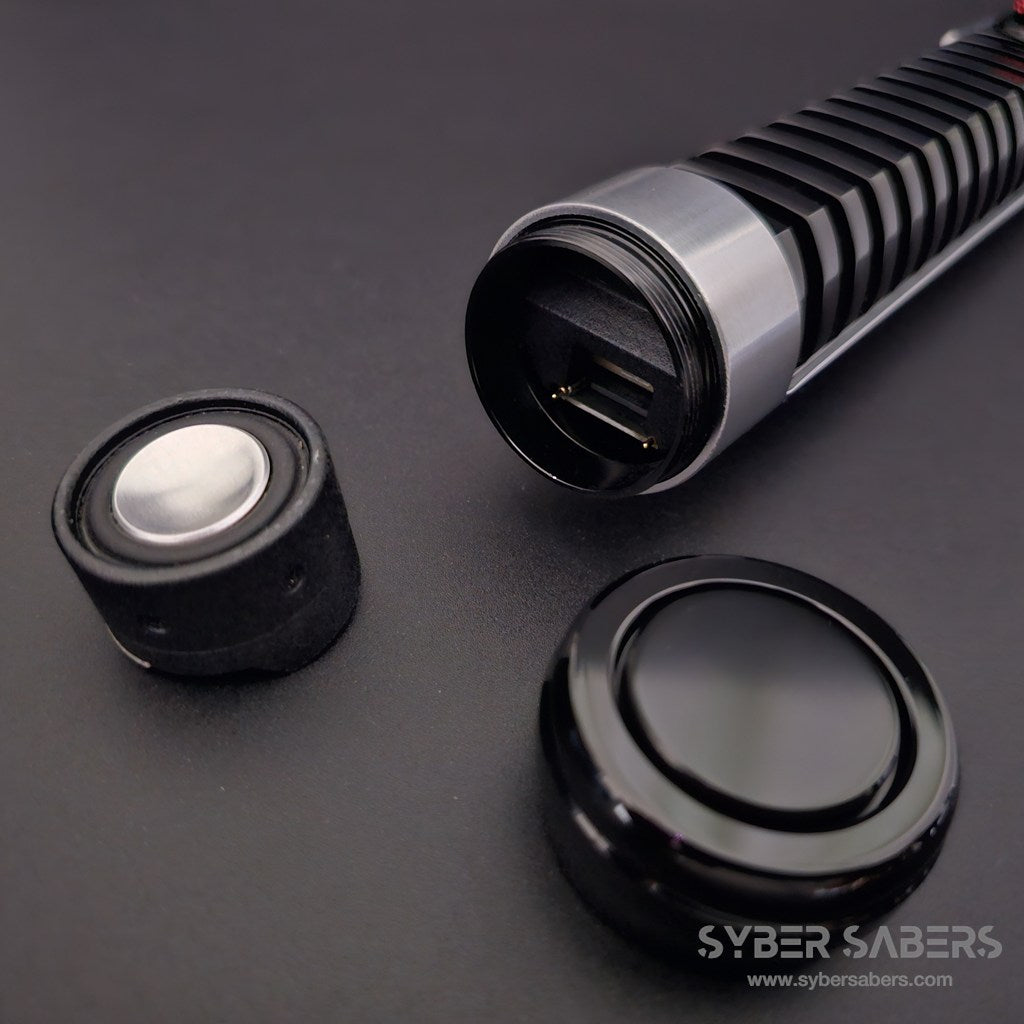
You can access the board by pulling out the speaker chassis from the pommel end. Please use this for maintenance or setting changes.
List of features
List of features
This is a feature common to models equipped with Proffieboard. It does not apply to products that do not include a circuit board, such as hilt kits and individual parts.
Combat & Effects
- Smooth Swing: The drive sound changes smoothly according to the speed and direction of the swing
- Flash on Clash: The blade flashes in time with the impact of a clash
- Clash Intensity-Linked Sound: The volume changes according to the strength of the impact
- Lockup: A blade-locking effect
- Stab: A thrusting effect activated by thrusting forward
- Drag: Thrusting the blade downward produces a spark effect as if scraping the ground
- Melt: Thrusting the blade forward produces an effect as if melting through the target
- Blaster: An effect that deflects blaster bolts
- Multi-Blast: Continuously deflects incoming bolts
- Lightning Block: An effect that absorbs Force Lightning
- Force Push: Pushing forward slowly activates a Force Push
- Battle Mode 2.0: Clash, lockup, and other effects are automatically activated by the movement of the blade alone, without button operation. This mode is designed for duels and kata
Motion Controls
- Swing to Activate: Simply swinging the hilt turns the blade on (it will activate in Battle Mode)
- Twist to Stow: Twisting the hilt turns the blade off
- Motion Control ON/OFF: Motion controls can be disabled on the device when not needed
Sound & Lighting
- RGB Color Change: You can change and save the blade color to your preference
- Blade Style Switching: Switch between preset lighting patterns
- Multi-Phase: Switch between presets (sets of sound and light) using motion controls
- BGM Playback: Play music stored on an SD card using the track player
- Two Startup Sounds: The startup sound changes depending on the orientation of the blade
- Voice Color Name Guide: Announces the color name when the color is changed
- Voice Battery Level Guide: Announces the remaining battery percentage
On-Device Settings (Edit Setting Mode)
The following can be adjusted without a computer, using the device buttons and hilt rotation.
- Volume
- Blade brightness
- Blade length (number of illuminated LEDs)
- Clash sensitivity
- Motion settings (12 items including swing activation, twist stow, Force Push, etc.)
- SD card access (switch to a state where the SD card can be read/written via USB connection)
Operation Instructions
- Proffieboard Model Operation Manual
- Edit Setting Mode Operation Instructions
- Changing Settings on a Computer (Setting Manual)
*Features and operation methods may vary slightly depending on the model and arrival date. Please refer to the operation manual for details.
Other notes
Other notes
・As this product is an overseas import, there may be minor scuffs or small scratches. If you are sensitive to such details, we recommend that you refrain from purchasing.
・Since we perform a functional test before shipping, there may be signs of attachment or fine scratches near the base of the blade.
・While your order will be delivered in the manufacturer's original packaging, there may be dents, tears, or other damage caused during overseas transit.
・Please note that the design (color) of the chassis and other accessories may be subject to change without notice due to differences in production lots.
以前に購入したのはオリジナルデザインのセーバーだったので、劇中デザインのカスタムセーバーはこれが初購入になります。
オリジナルはオリジナルの良さがありましたが、やはり「映画の中でクワイ=ガンが使用していたライトセーバーが、今自分の手の中にあるんだ」という感動はひとしおでした。
品質は非常に高く、重たい訳では無いのですが重量感を感じられる良い一品です。
スリープモードのような状態が無いので、バッテリーを入れている時は思いがけずメインスイッチを押してしまって起動してしまう…というトラブルは多少あるのですが、非常に満足できる商品でした。
良い商品だからこそ、次から次に欲しくなってしまうのが困りものです。
Darth Kudou 様
いつも当店をご利用いただき、また熱量あふれる素晴らしいレビューをご投稿いただき誠にありがとうございます。
今回初の劇中デザイン(プロップ)モデルとして、マスター・クワイ=ガンの「QUI V2」をお選びいただき大変光栄です。
また、誤作動に関する大変貴重なご意見もありがとうございます。
Kudou様のおっしゃる通り、このモデルは劇中を再現した象徴的な「レッドボタン」は押しやすい構造になっているため、ふとした拍子に起動してしまうことがありますよね。完全にOFFにすることができるキルスイッチが搭載されていればさらに使い勝手が良くなるというご意見もメーカーにフィードバックさせて頂きます。
現状の誤動作対策といたしましては、このモデルはバッテリーやシャーシへのアクセス(取り外し)が非常に容易な構造となっております。遊ばない時や持ち運びの際は、サッとバッテリーを外していただくか、シャーシを少しだけ引き抜いて通電をカットしていただくのが一番確実でおすすめです。
次の1本をお探しの際も、全力でサポートさせていただきますのでいつでもご相談ください。
今後ともよろしくお願いいたします。
シェアする


