ELF SABERS
ELF - OBI3 ROTS
ELF - OBI3 ROTS
Couldn't load pickup availability
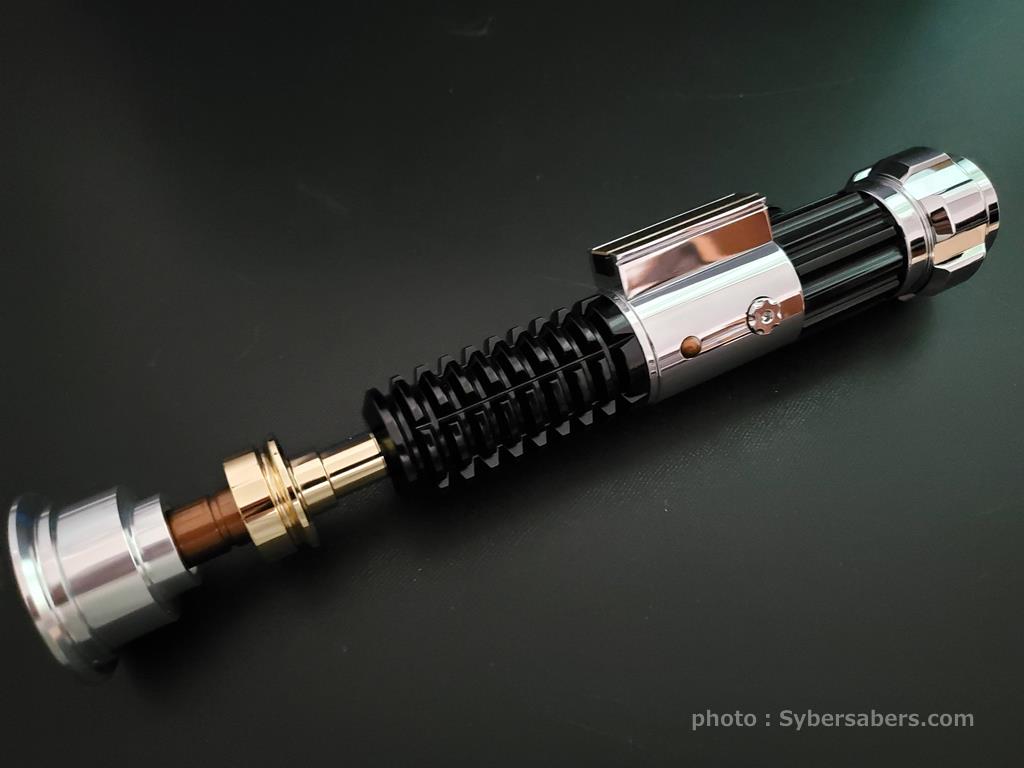
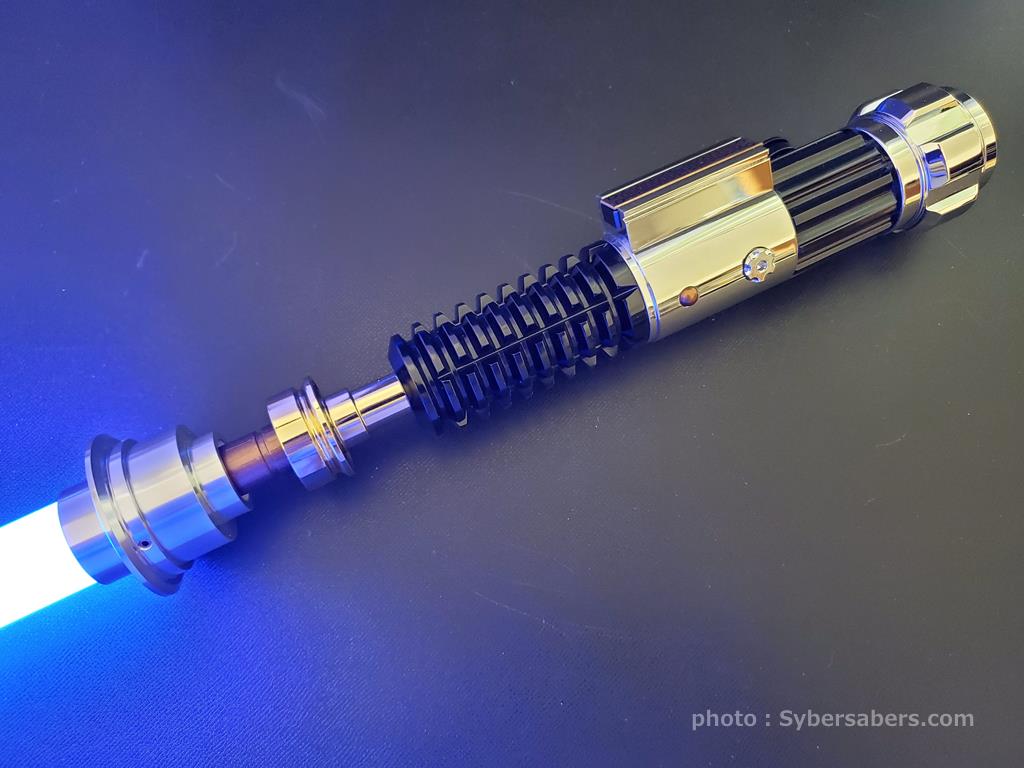
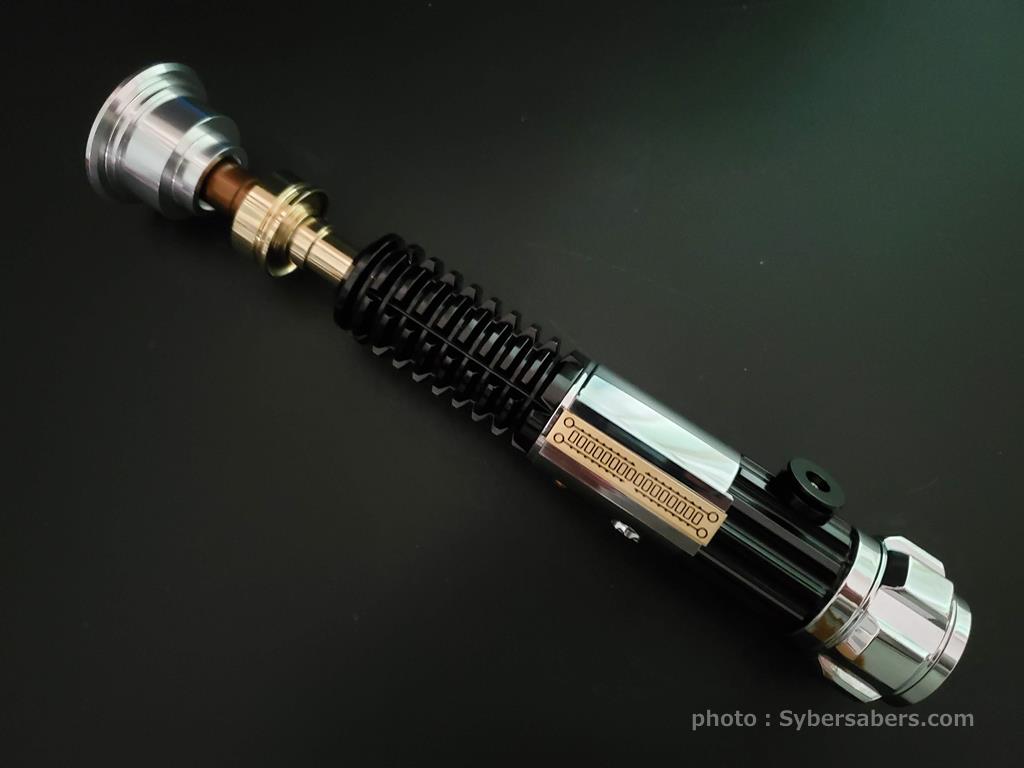
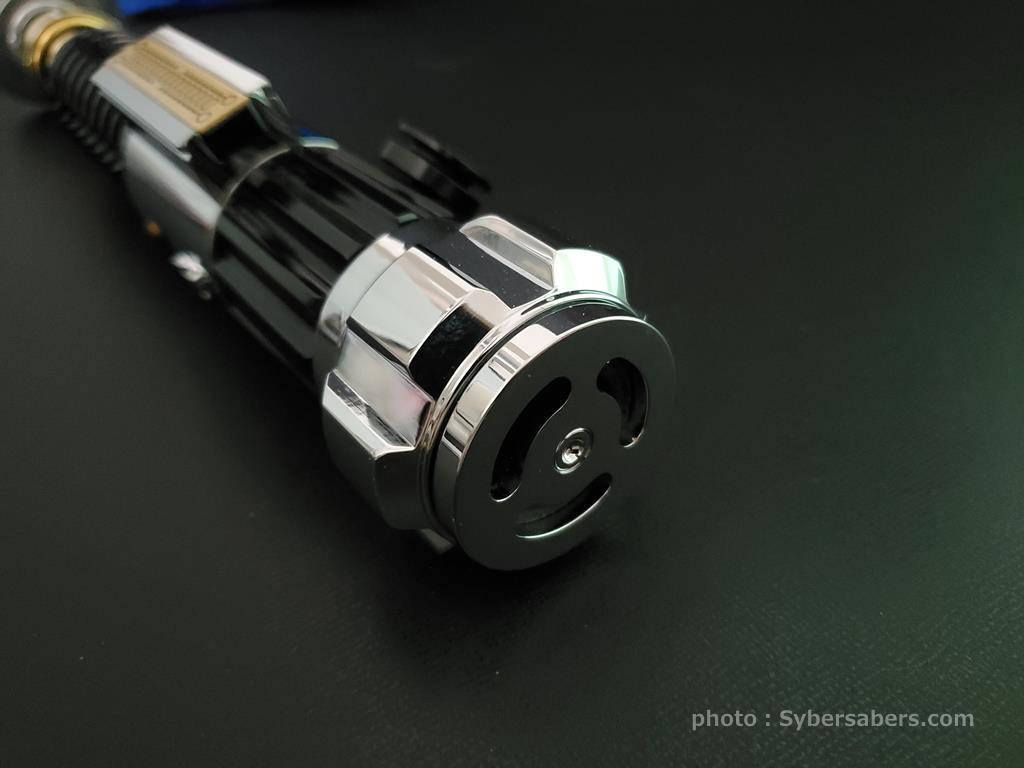
This is the "OBI3," a high-end custom lightsaber that recreates the legendary hilt used by Obi-Wan Kenobi in the movie "Star Wars: Revenge of the Sith (Episode III)."
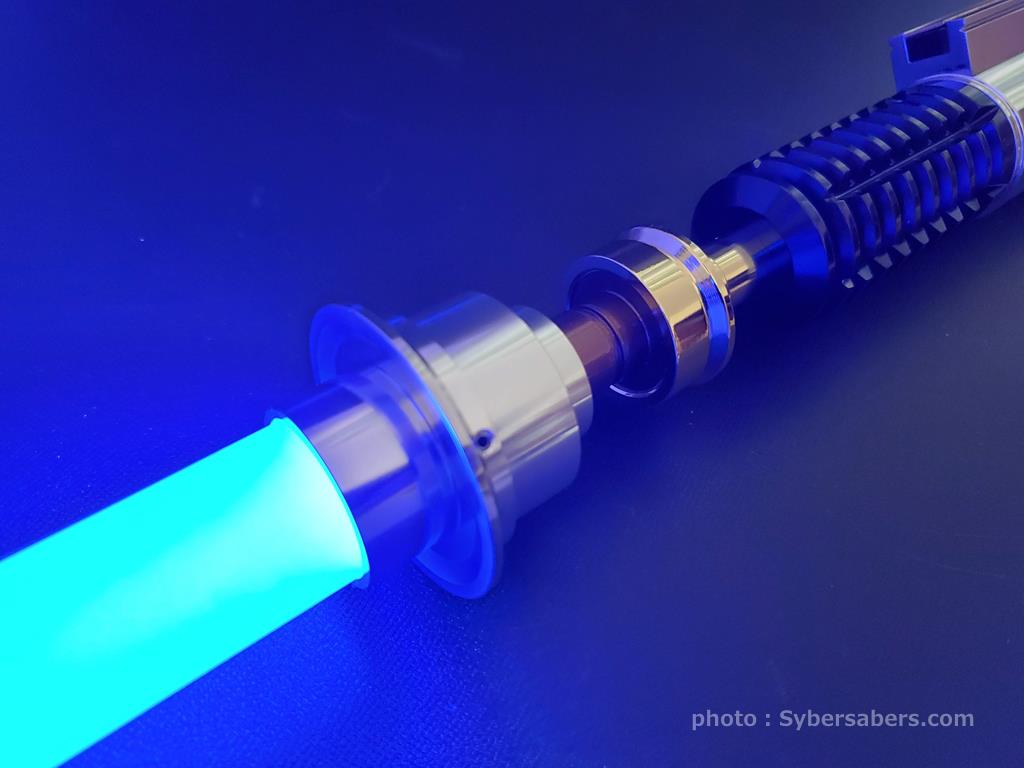
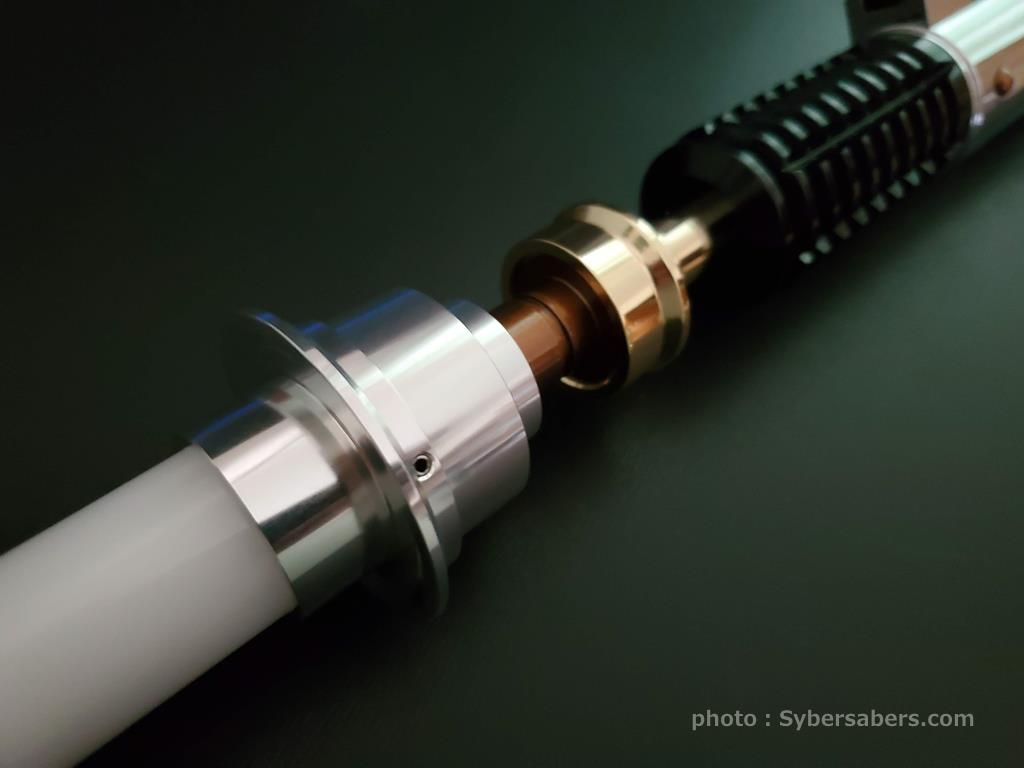
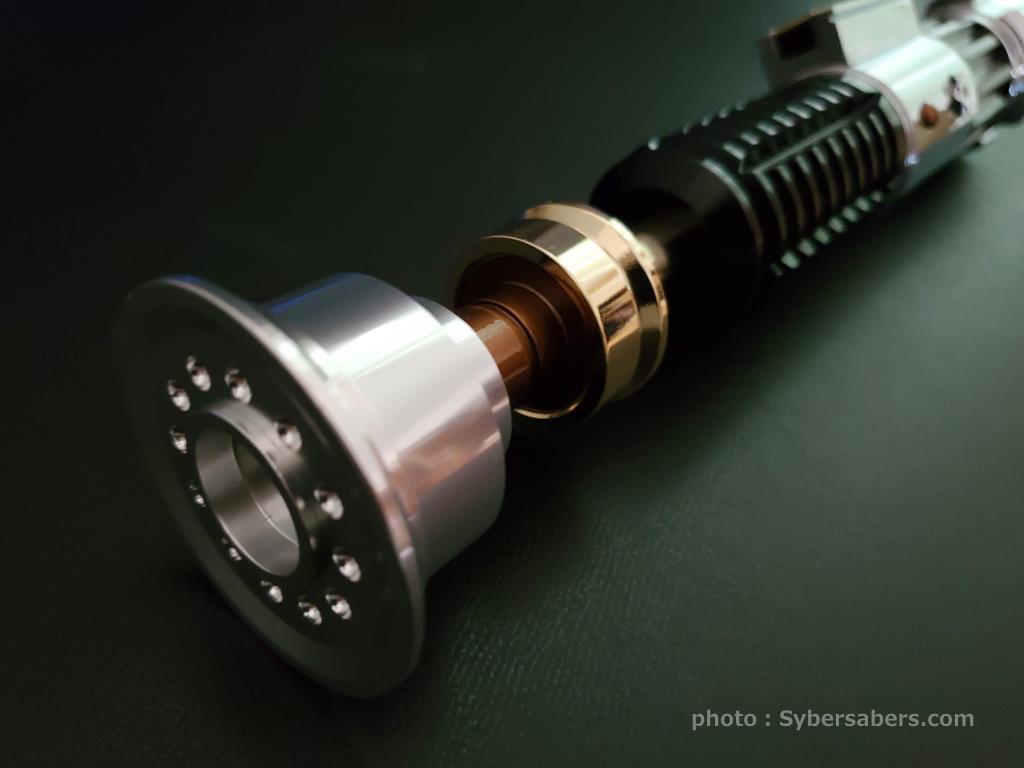
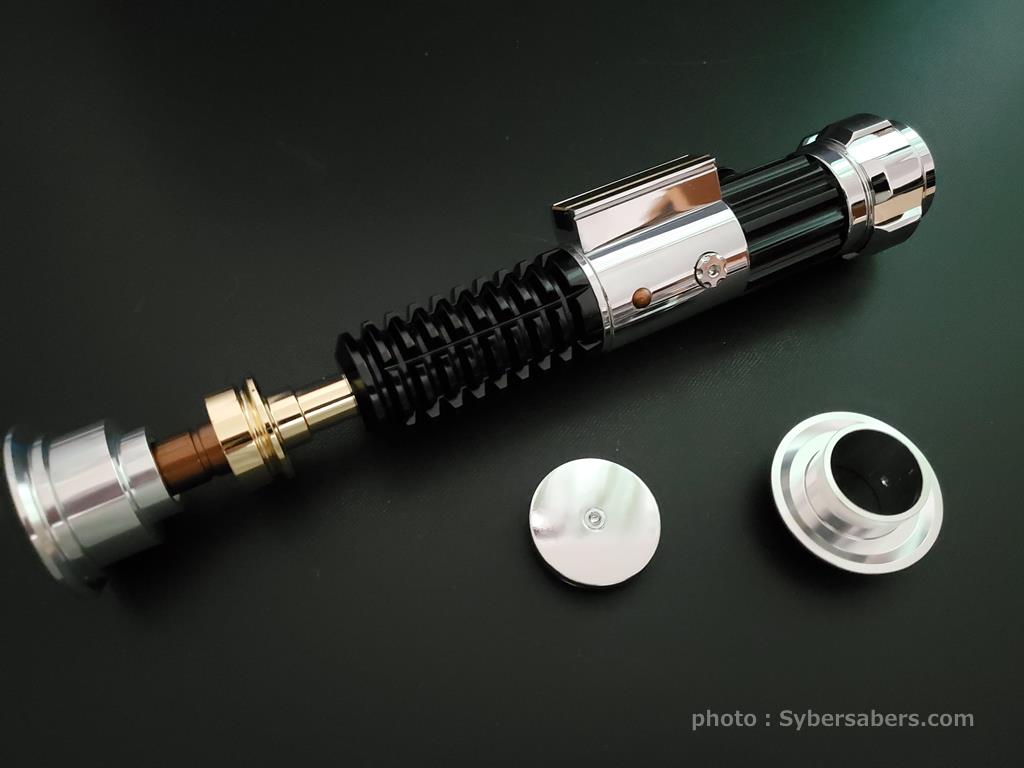
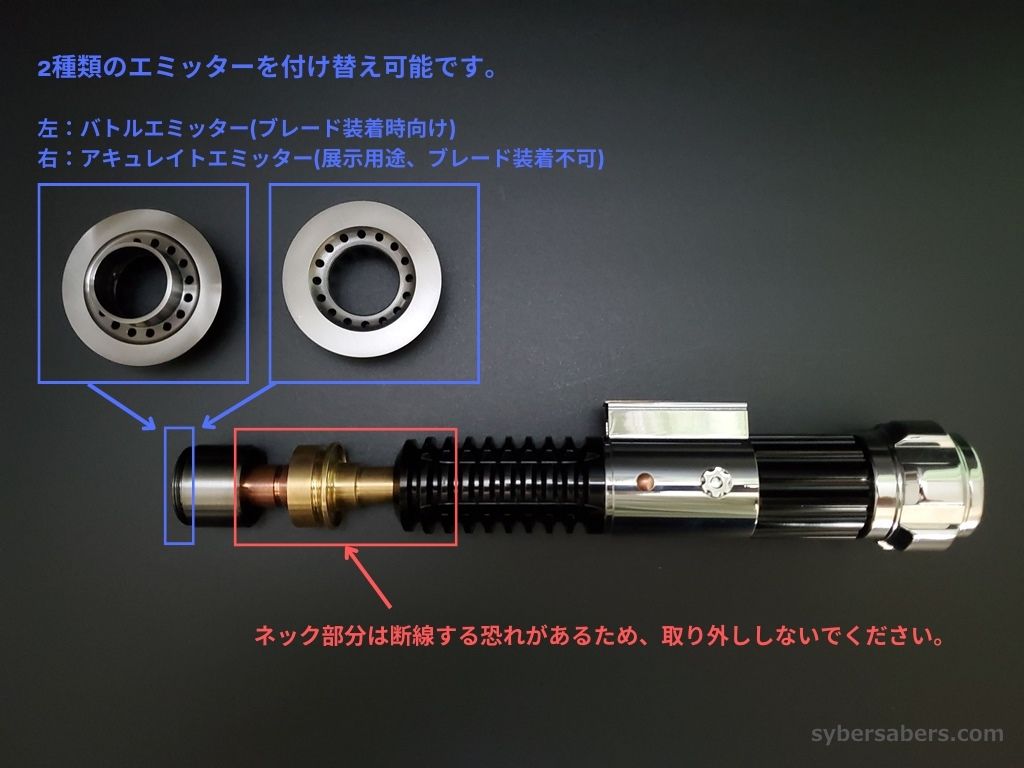
It includes two types of emitters: an "accurate emitter" that pursues the beautiful proportions seen in the film to the extreme, and a "dueling emitter" that enhances blade retention for intense combat action. Furthermore, it comes with two types of pommels—one for display (no holes) and one for sound (with holes)—allowing for free customization depending on whether you are displaying it or using it for practice.
Internally, it is equipped with the top-of-the-line "Proffieboard V3.9" custom soundboard. You can enjoy intuitive two-button operation via the gold and silver buttons on the side of the clamp, as well as premium lighting and sound effects.
Product Specifications
| LED Lighting Method | Neopixel |
|---|---|
| Button Configuration | 2-button type |
| Button Location | Gold/Silver buttons on the side of the clamp |
| Soundboard | Proffieboard V3.9 |
| Speaker | 22mm 4Ω 3W Speaker |
| Charging Method | Removable battery system |
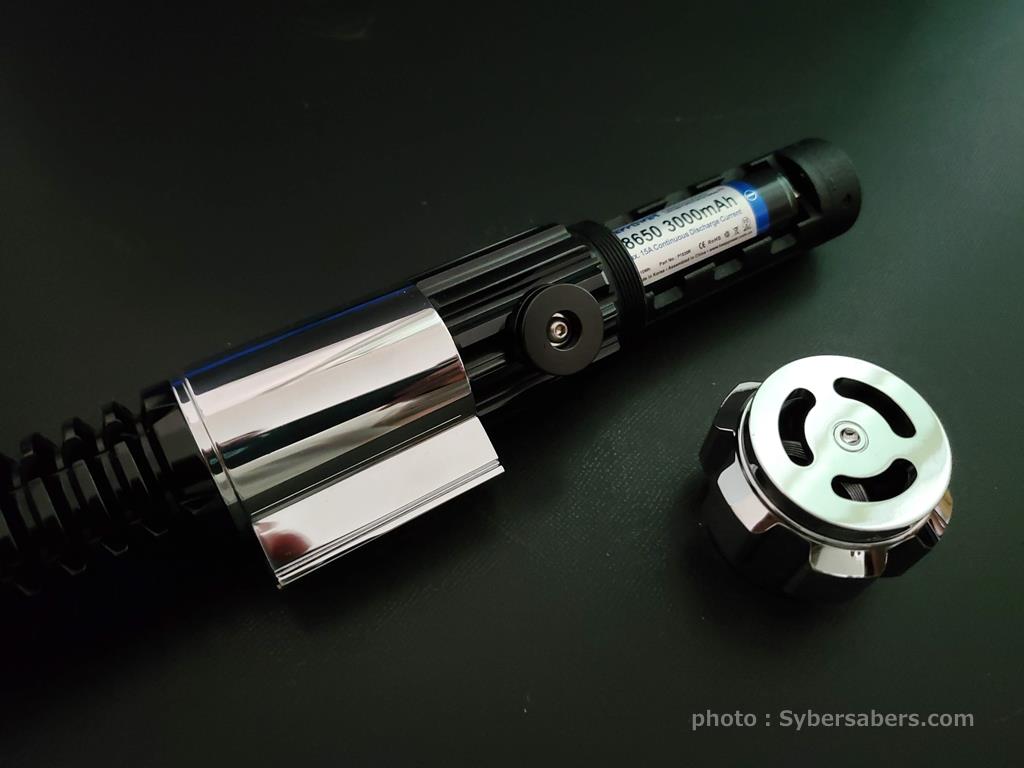
| Battery Standard and Specs | 18650 KEEPPOWER Lithium-ion battery (PSE compliant) |
| Blade Size | 1-inch compatible |
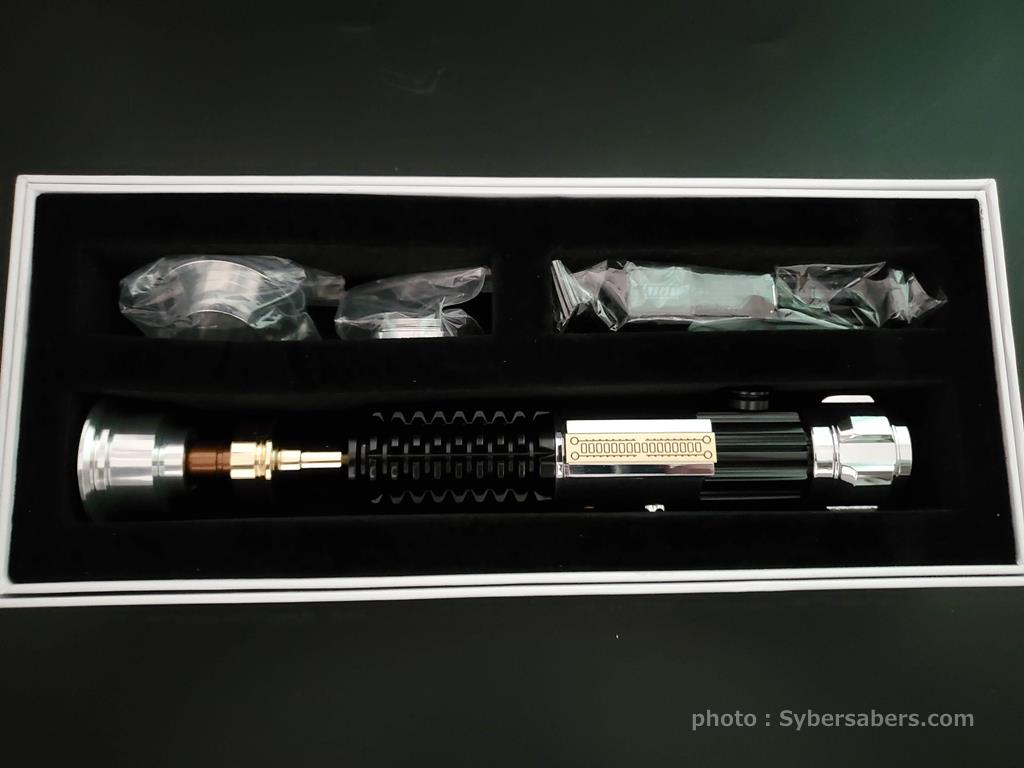
Contents / Accessories
- Lightsaber hilt
- 1-inch Neopixel blade
- 2 types of interchangeable emitters (Accurate Emitter / Dueling Emitter; one is pre-installed)
- 2 types of interchangeable pommels (with sound holes / without)
- Blade plug
- Dedicated battery charger
Notes / Handling Precautions
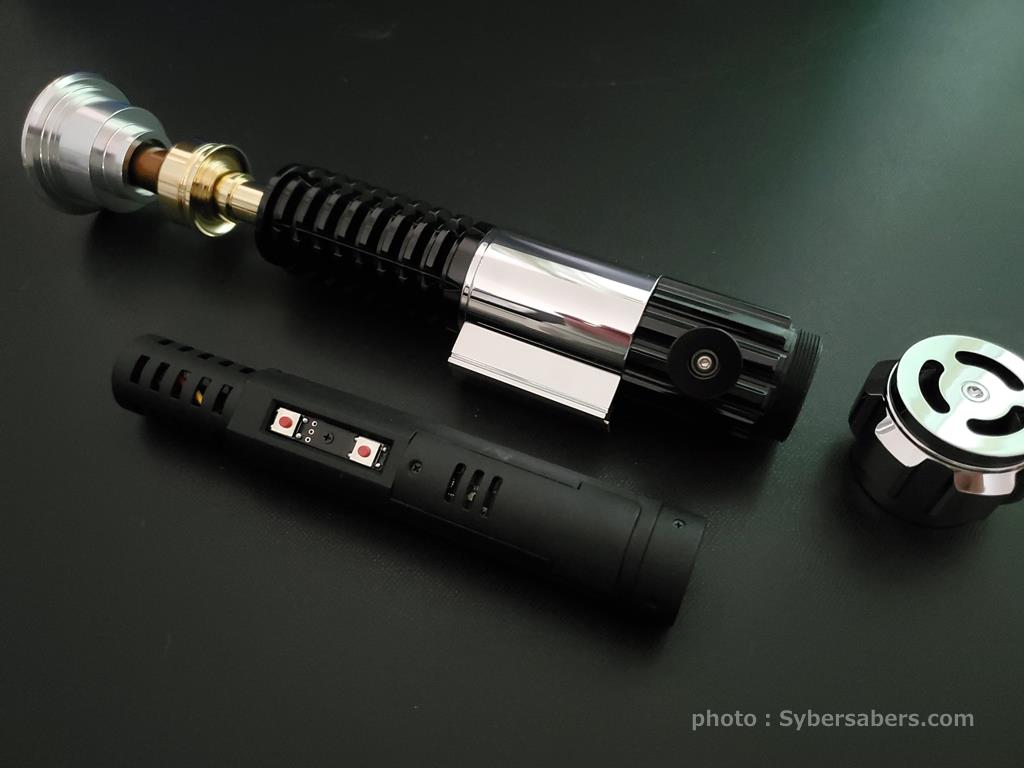
- Replacing the Emitter: The emitter section is designed so that only the tip part is removable. Please refer to the product images for detailed disassembly instructions.
- Removing/Inserting the Chassis: When removing or inserting the inner chassis, please handle it carefully without pressing the side switch buttons to prevent damage or snagging.
- Model Specifications: This model uses the same hilt and internal structure as the "KR SABERS Master OWK3."
- Package design and minor details of the contents may change depending on the arrival date.
List of features
List of features
This is a feature common to models equipped with Proffieboard. It does not apply to products that do not include a circuit board, such as hilt kits and individual parts.
Combat & Effects
- Smooth Swing: The drive sound changes smoothly according to the speed and direction of the swing
- Flash on Clash: The blade flashes in time with the impact of a clash
- Clash Intensity-Linked Sound: The volume changes according to the strength of the impact
- Lockup: A blade-locking effect
- Stab: A thrusting effect activated by thrusting forward
- Drag: Thrusting the blade downward produces a spark effect as if scraping the ground
- Melt: Thrusting the blade forward produces an effect as if melting through the target
- Blaster: An effect that deflects blaster bolts
- Multi-Blast: Continuously deflects incoming bolts
- Lightning Block: An effect that absorbs Force Lightning
- Force Push: Pushing forward slowly activates a Force Push
- Battle Mode 2.0: Clash, lockup, and other effects are automatically activated by the movement of the blade alone, without button operation. This mode is designed for duels and kata
Motion Controls
- Swing to Activate: Simply swinging the hilt turns the blade on (it will activate in Battle Mode)
- Twist to Stow: Twisting the hilt turns the blade off
- Motion Control ON/OFF: Motion controls can be disabled on the device when not needed
Sound & Lighting
- RGB Color Change: You can change and save the blade color to your preference
- Blade Style Switching: Switch between preset lighting patterns
- Multi-Phase: Switch between presets (sets of sound and light) using motion controls
- BGM Playback: Play music stored on an SD card using the track player
- Two Startup Sounds: The startup sound changes depending on the orientation of the blade
- Voice Color Name Guide: Announces the color name when the color is changed
- Voice Battery Level Guide: Announces the remaining battery percentage
On-Device Settings (Edit Setting Mode)
The following can be adjusted without a computer, using the device buttons and hilt rotation.
- Volume
- Blade brightness
- Blade length (number of illuminated LEDs)
- Clash sensitivity
- Motion settings (12 items including swing activation, twist stow, Force Push, etc.)
- SD card access (switch to a state where the SD card can be read/written via USB connection)
Operation Instructions
- Proffieboard Model Operation Manual
- Edit Setting Mode Operation Instructions
- Changing Settings on a Computer (Setting Manual)
*Features and operation methods may vary slightly depending on the model and arrival date. Please refer to the operation manual for details.
Other notes
Other notes
・As this product is an overseas import, there may be minor scuffs or small scratches. If you are sensitive to such details, we recommend that you refrain from purchasing.
・Since we perform a functional test before shipping, there may be signs of attachment or fine scratches near the base of the blade.
・While your order will be delivered in the manufacturer's original packaging, there may be dents, tears, or other damage caused during overseas transit.
・Please note that the design (color) of the chassis and other accessories may be subject to change without notice due to differences in production lots.
シェアする
