

SYBER SABERS
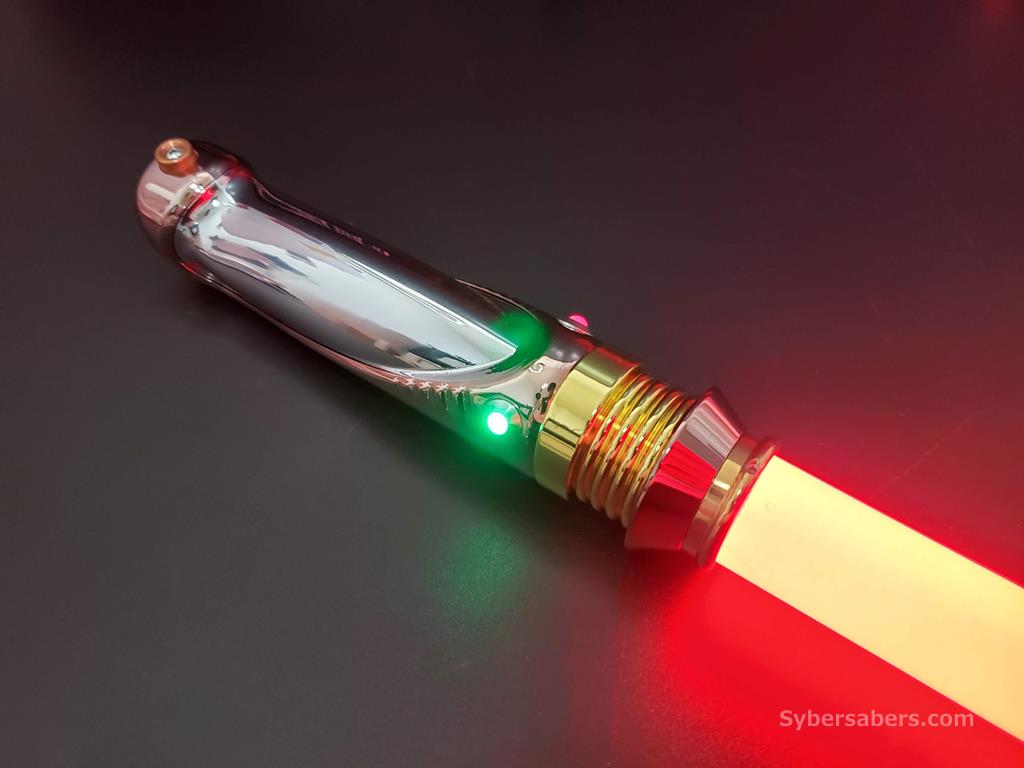
KR SABERS EMPEROR
KR SABERS EMPEROR
Couldn't load pickup availability
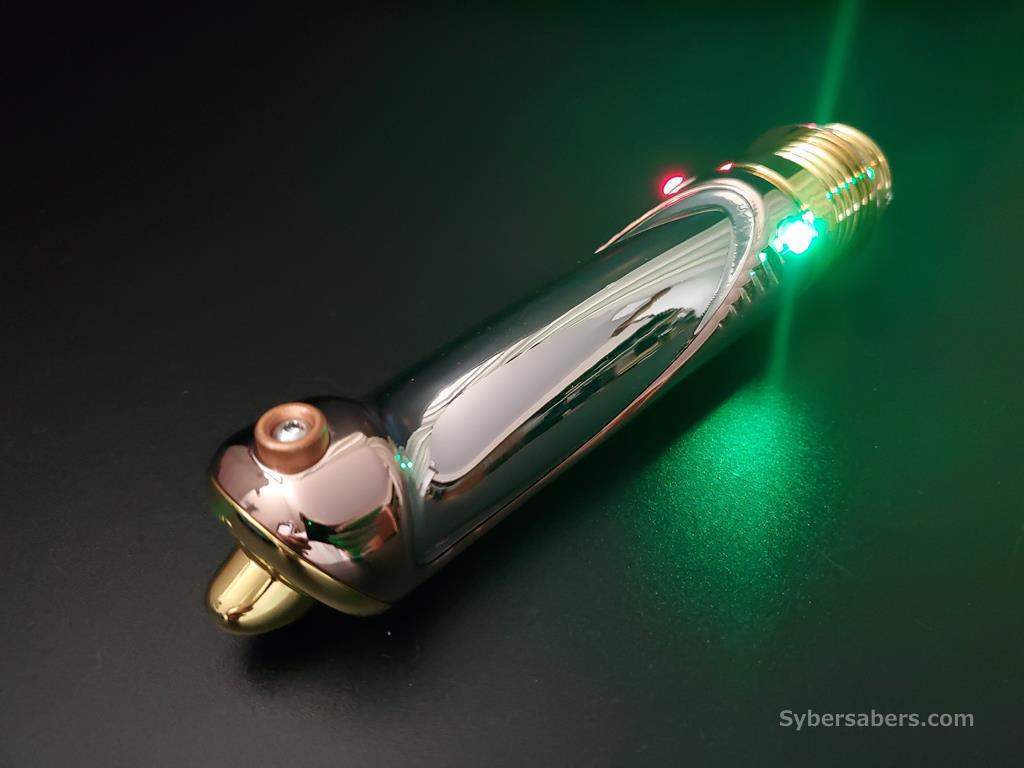
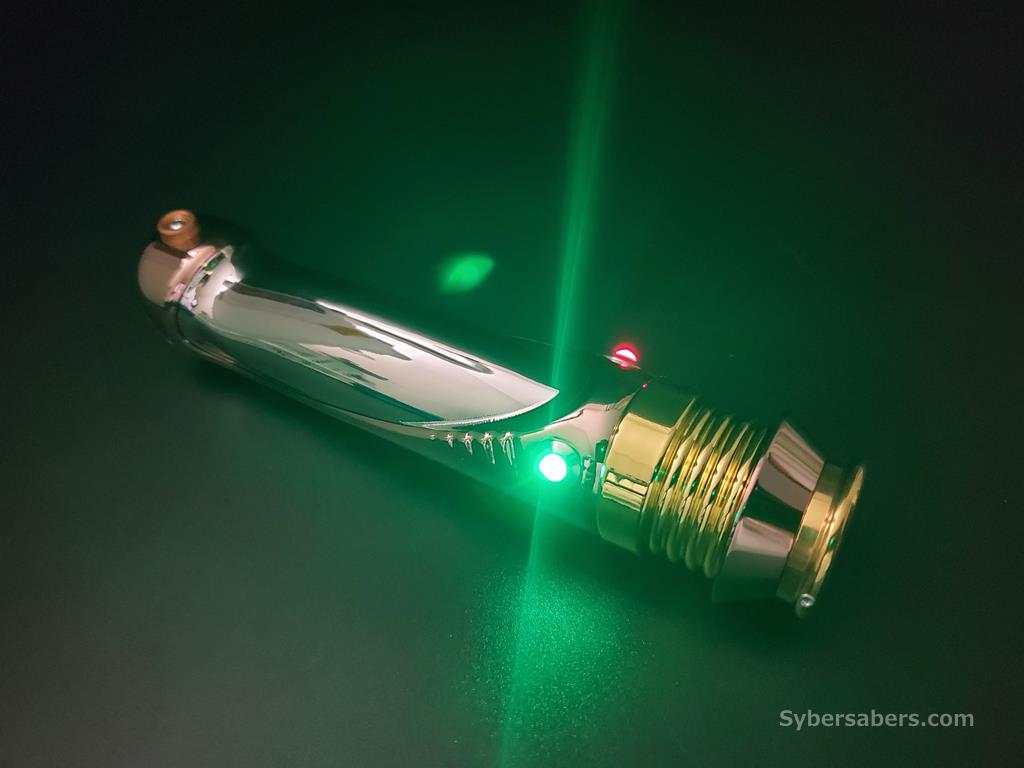
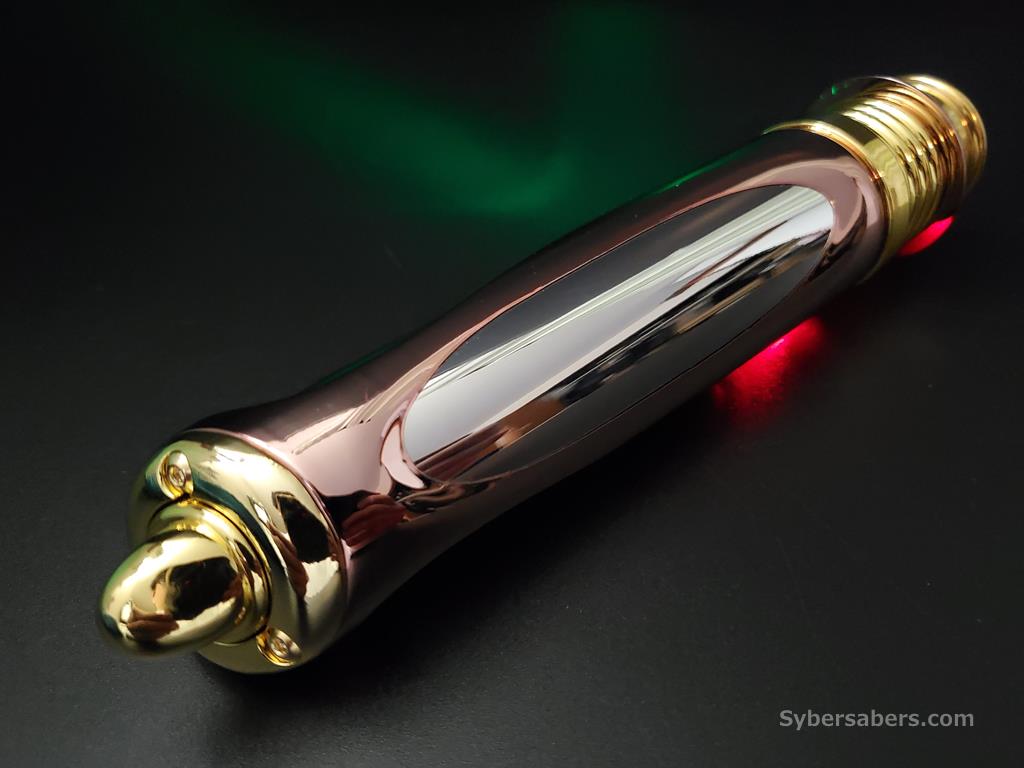
KR Sabers EMPEROR (Darth Sidious)
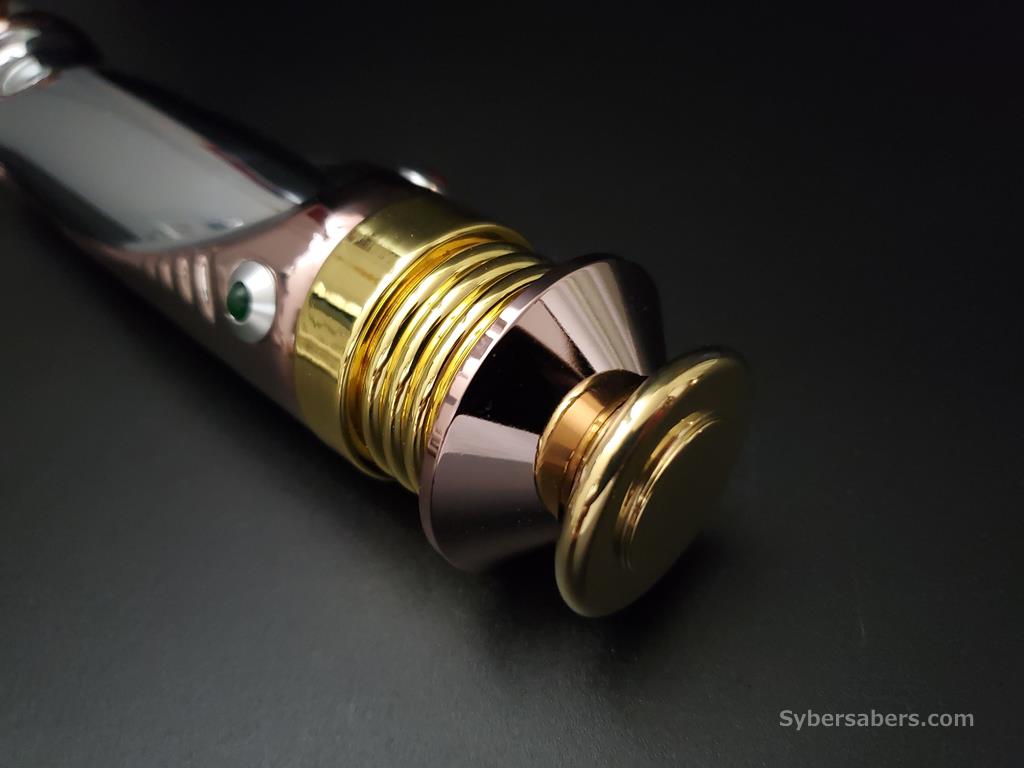
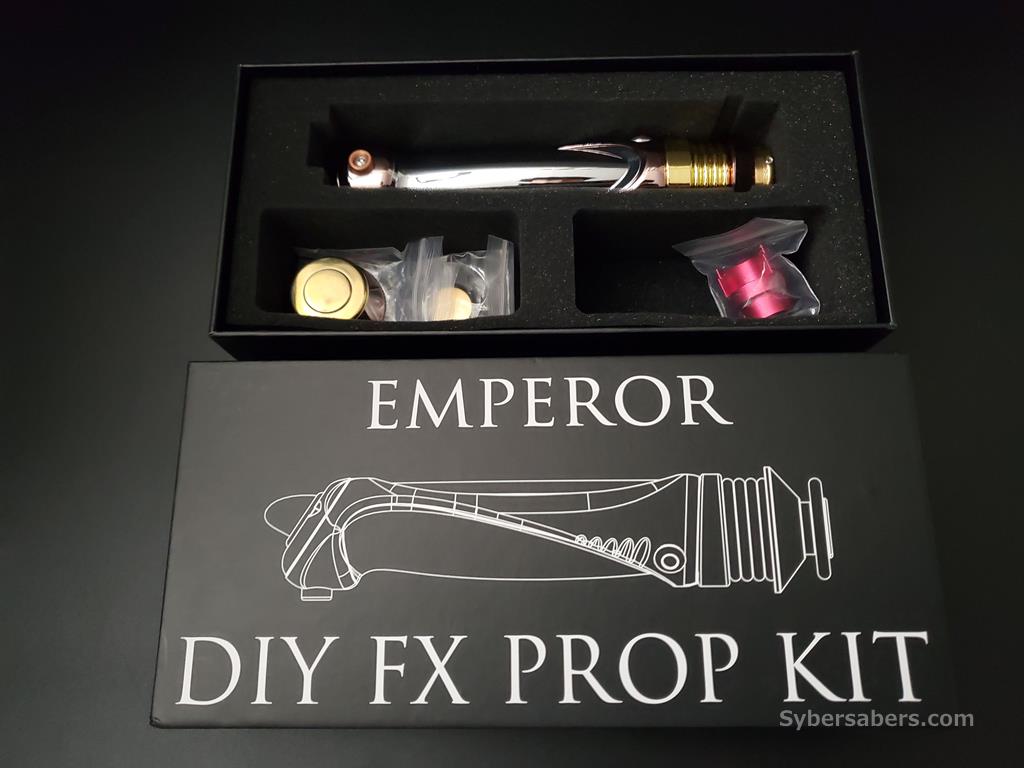
This custom lightsaber is based on the KR Sabers EMPEROR (Darth Sidious), with a Proffieboard installed by our shop.
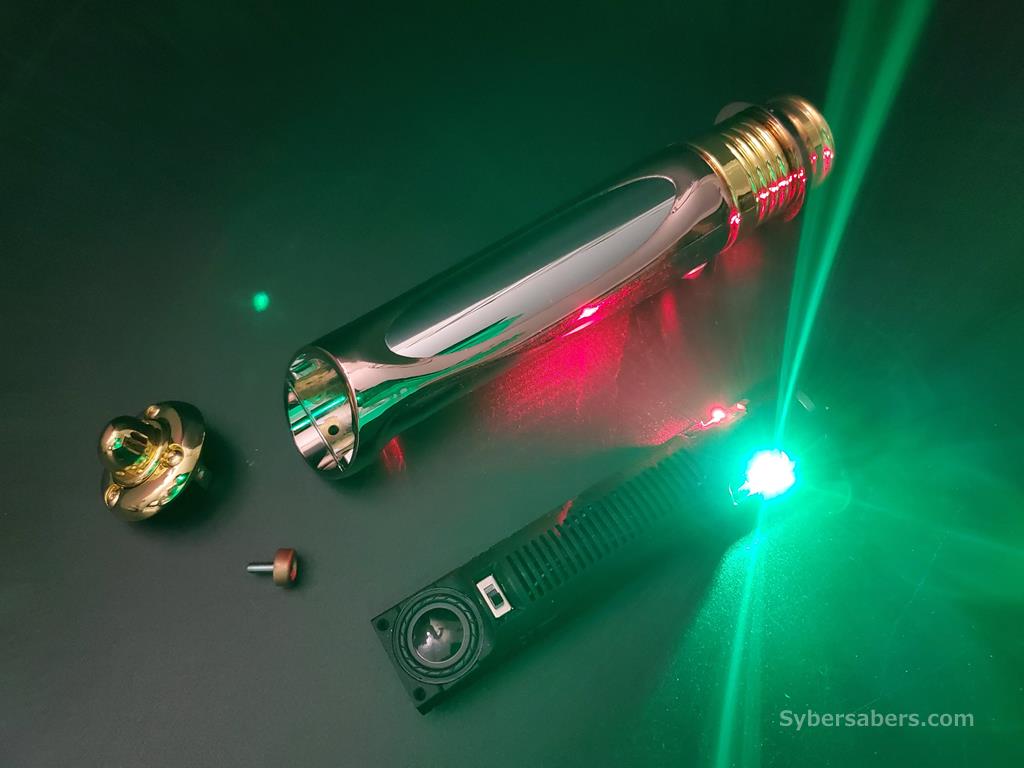
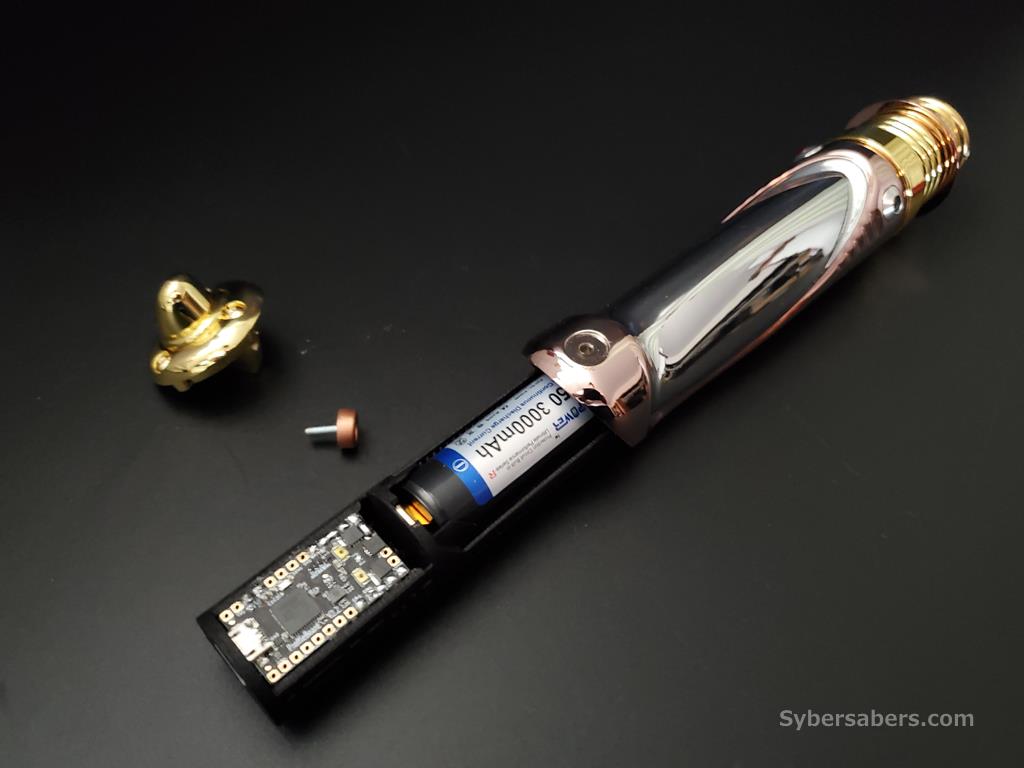
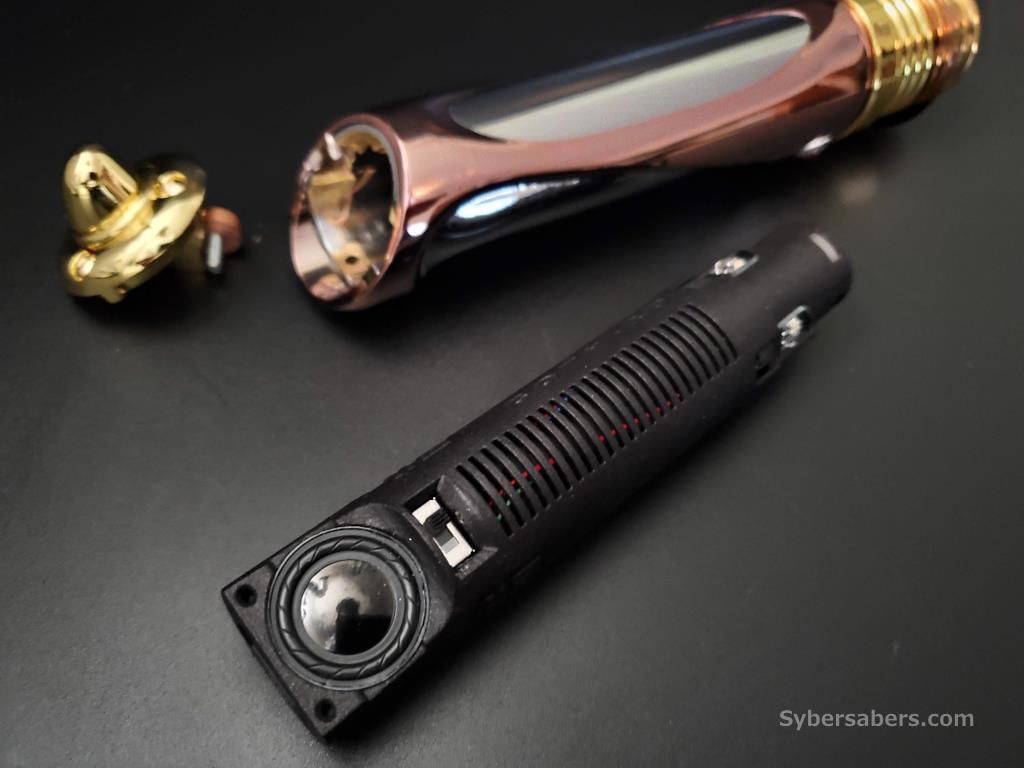
It features a GOTH-3Designs chassis and a removable all-in-one structure for high maintainability. The battery is easy to replace, and it supports a removable battery system.
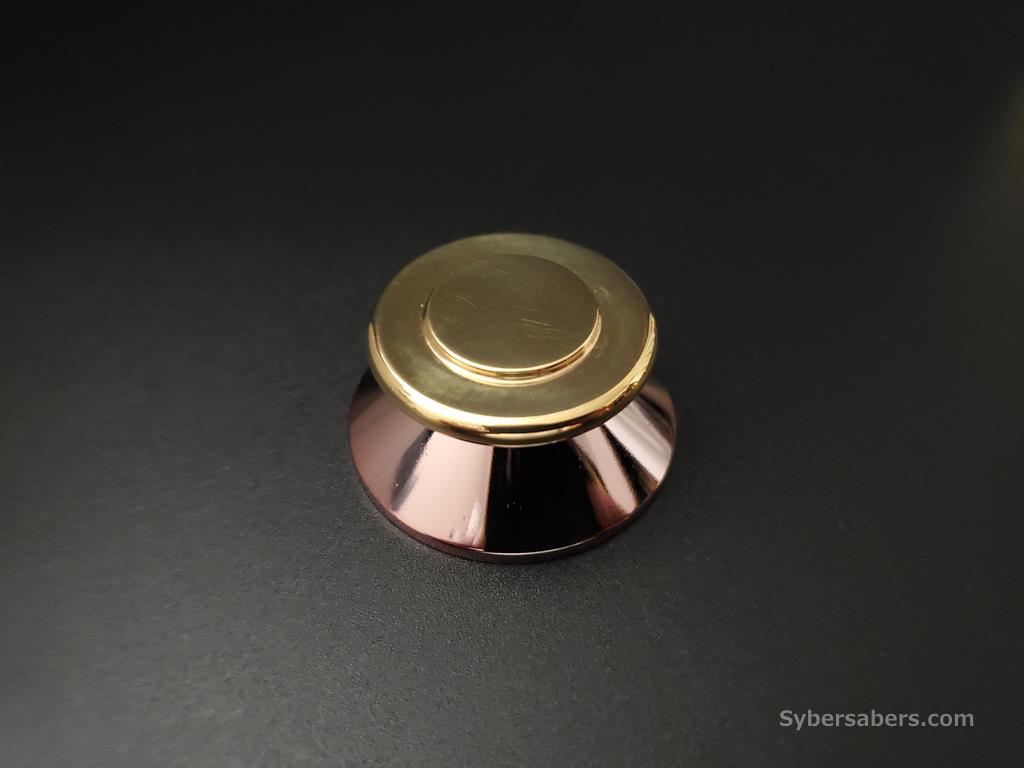
Two types of emitters are included: Accurate Emitter and Battle Emitter, which can be swapped according to your use or preference.
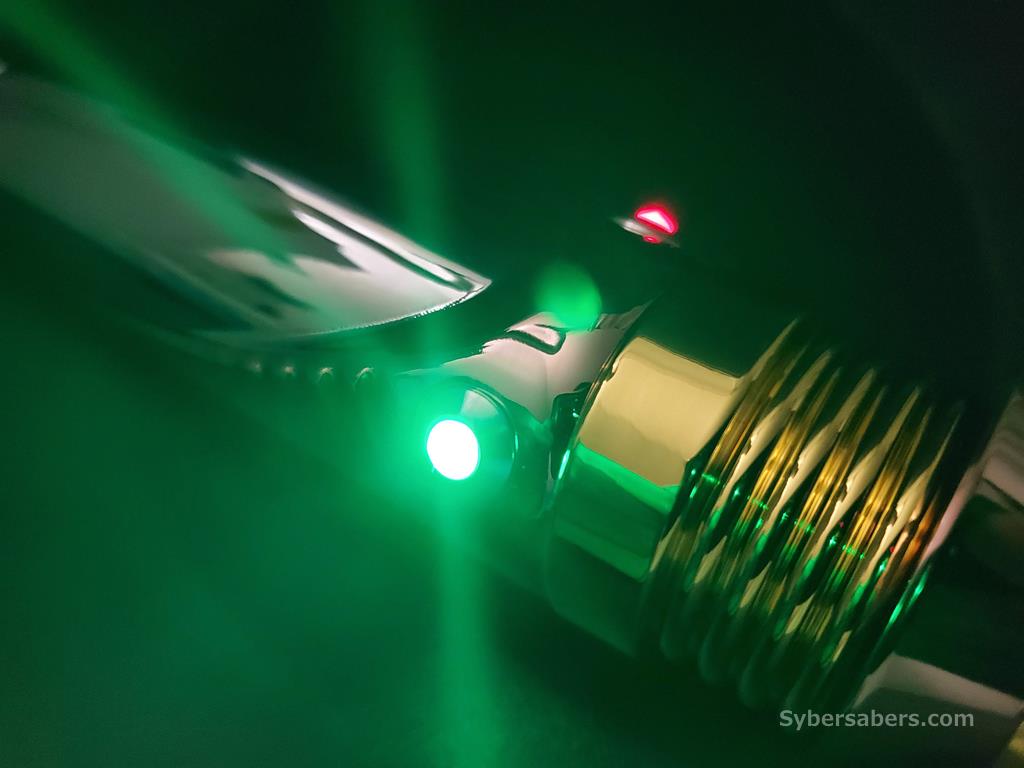
The red (PWR) and green (AUX) LED switches both have illumination functions, allowing you to enjoy an authentic operating feel reminiscent of the film.
Product Specifications
| Hilt | KR Sabers EMPEROR (Darth Sidious) |
|---|---|
| LED Lighting Method | Neopixel System |
| Button Specifications | 2 Buttons (PWR: Red LED / AUX: Green LED) |
| Soundboard | Proffieboard V2.2 |
| Speaker | 22mm 4Ω 3W Speaker |
| Charging Method | Removable Battery System |
| Battery Type | KEEPPOWER 18650 Li-ion Battery (PSE Compliant) |
| Blade Size | Compatible with 1-inch Neopixel blades |
Included Accessories
- Lightsaber hilt
- Blade plug (Accurate Emitter)
- Other hilt accessories
*Neopixel blade (1 inch) and charger are not included.
If you do not have them, you can purchase them from the links below:
2A High-Speed Charger XTAR SC1
Other Notes
When installing the chassis, ensure that the hilt side switch is not pressed.
The chassis has an installation direction. It can only be installed in the position where the hilt side switch and the chassis side switch align.
Hilt manufacturer's assembly guide video:
機能一覧
機能一覧
This is a feature common to models equipped with Proffieboard. It does not apply to products that do not include a circuit board, such as hilt kits and individual parts.
Combat & Effects
- Smooth Swing: The drive sound changes smoothly according to the speed and direction of the swing
- Flash on Clash: The blade flashes in time with the impact of a clash
- Clash Intensity-Linked Sound: The volume changes according to the strength of the impact
- Lockup: A blade-locking effect
- Stab: A thrusting effect activated by thrusting forward
- Drag: Thrusting the blade downward produces a spark effect as if scraping the ground
- Melt: Thrusting the blade forward produces an effect as if melting through the target
- Blaster: An effect that deflects blaster bolts
- Multi-Blast: Continuously deflects incoming bolts
- Lightning Block: An effect that absorbs Force Lightning
- Force Push: Pushing forward slowly activates a Force Push
- Battle Mode 2.0: Clash, lockup, and other effects are automatically activated by the movement of the blade alone, without button operation. This mode is designed for duels and kata
Motion Controls
- Swing to Activate: Simply swinging the hilt turns the blade on (it will activate in Battle Mode)
- Twist to Stow: Twisting the hilt turns the blade off
- Motion Control ON/OFF: Motion controls can be disabled on the device when not needed
Sound & Lighting
- RGB Color Change: You can change and save the blade color to your preference
- Blade Style Switching: Switch between preset lighting patterns
- Multi-Phase: Switch between presets (sets of sound and light) using motion controls
- BGM Playback: Play music stored on an SD card using the track player
- Two Startup Sounds: The startup sound changes depending on the orientation of the blade
- Voice Color Name Guide: Announces the color name when the color is changed
- Voice Battery Level Guide: Announces the remaining battery percentage
On-Device Settings (Edit Setting Mode)
The following can be adjusted without a computer, using the device buttons and hilt rotation.
- Volume
- Blade brightness
- Blade length (number of illuminated LEDs)
- Clash sensitivity
- Motion settings (12 items including swing activation, twist stow, Force Push, etc.)
- SD card access (switch to a state where the SD card can be read/written via USB connection)
Operation Instructions
- Proffieboard Model Operation Manual
- Edit Setting Mode Operation Instructions
- Changing Settings on a Computer (Setting Manual)
*Features and operation methods may vary slightly depending on the model and arrival date. Please refer to the operation manual for details.
その他注意事項
その他注意事項
- 本商品は海外製品のため、微細な擦れや小傷がある場合がございます。細部の状態に敏感な方は、ご購入をお控えいただくことをおすすめいたします。
- 基板を搭載した商品につきましては、出荷前に動作確認を実施しているため、ブレード根元付近に装着痕や細かな傷が生じている場合がございます。
- メーカー純正の化粧箱が付属する商品につきましては、海外輸送時に生じた凹み・破れ等のダメージがある場合がございます。
- シャーシのデザイン(カラー)や付属品の仕様は、生産ロットの違いにより予告なく変更される場合がございます。
Share