

89SABERS
89Sabers - YODA
89Sabers - YODA
Ships within 3 weeks
* For convenience store and Pay-easy payments, the estimate starts once payment is confirmed.Couldn't load pickup availability
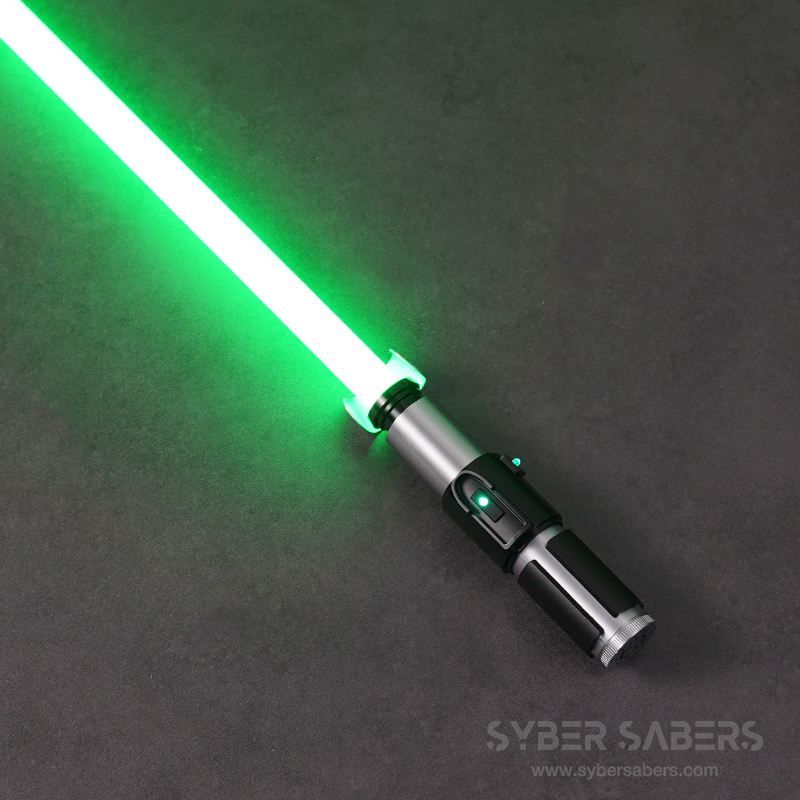
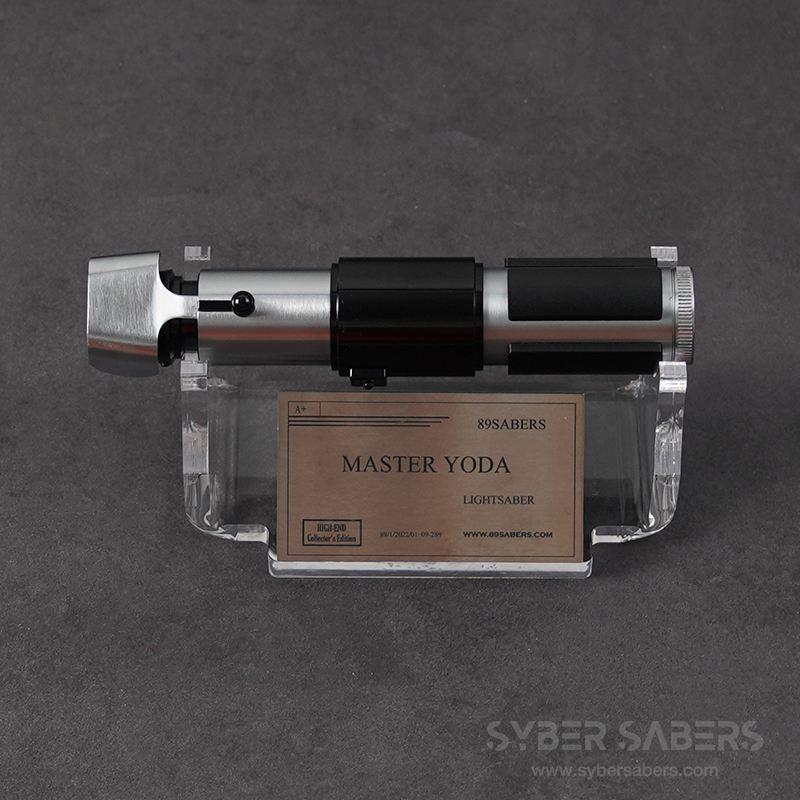
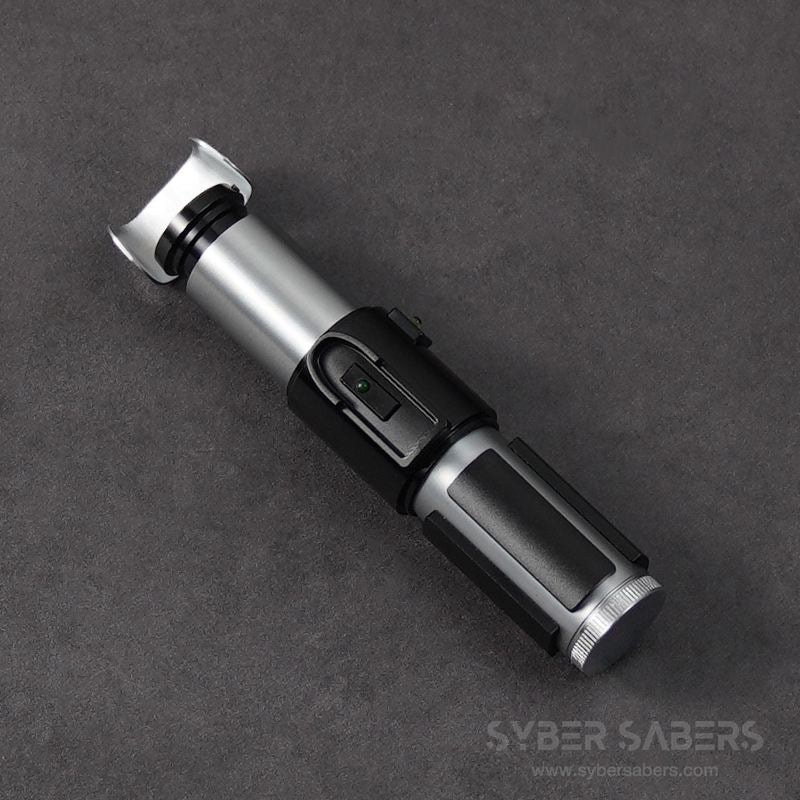
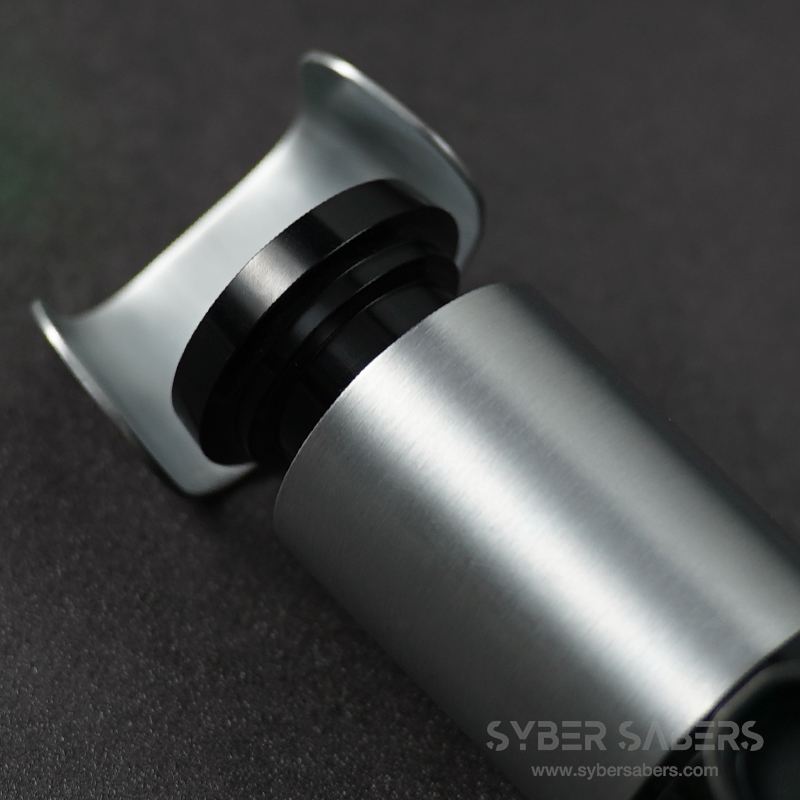
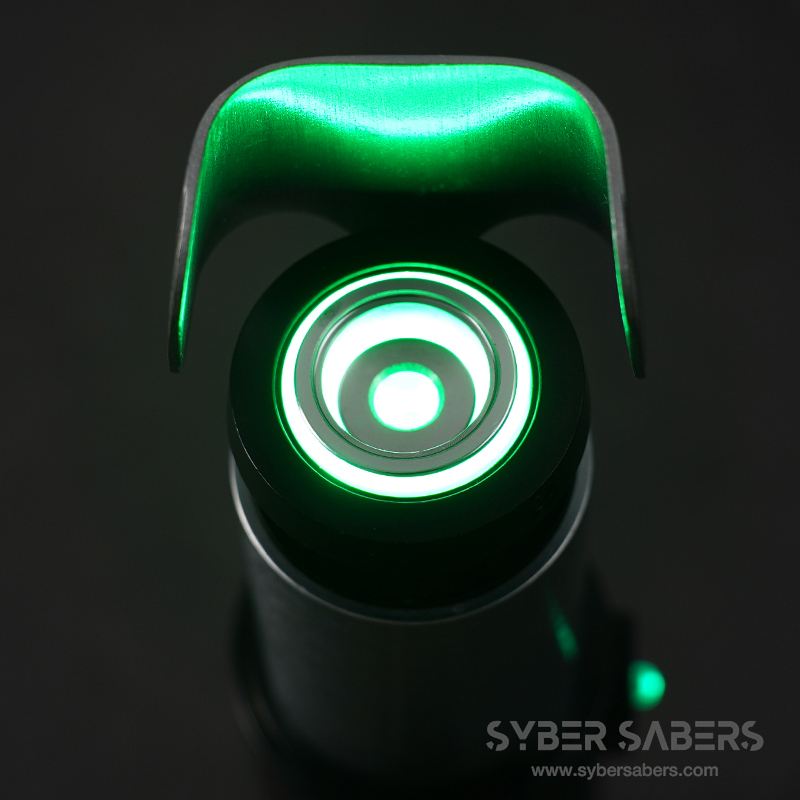
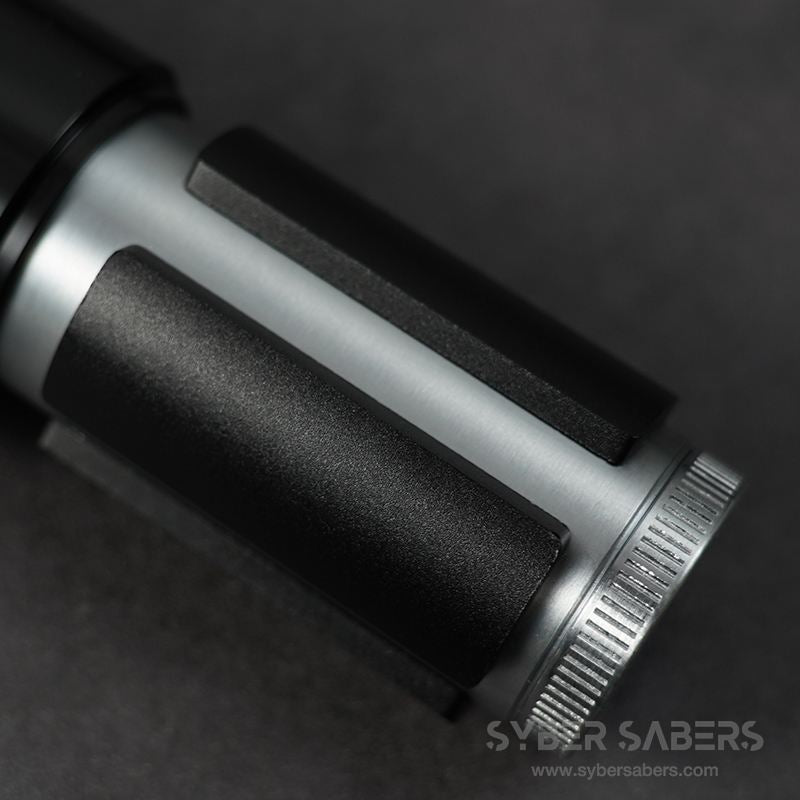
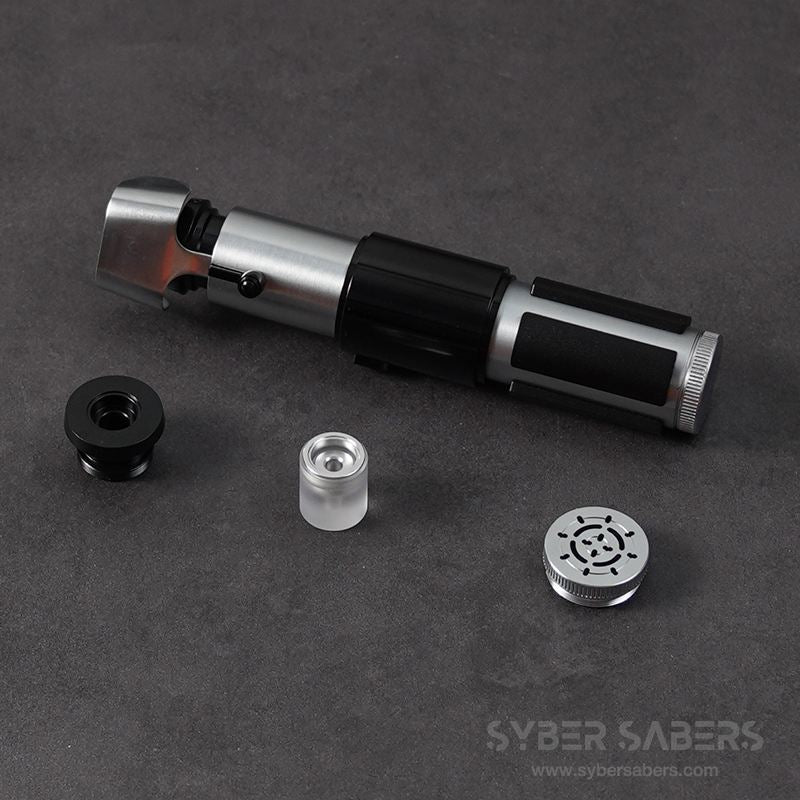
This is the "YODA," a custom lightsaber modeled after Yoda and manufactured by 89Sabers.
It is a compact model with a total length of approximately 17.5 cm, making it one of the smallest sizes among custom lightsabers.
The blade diameter is 3/4 inch, the smallest size, chosen to maintain balance with the hilt. Due to the very thin blade, it is not suitable for heavy dueling.
Product Specifications
| LED Illumination Method | Neopixel |
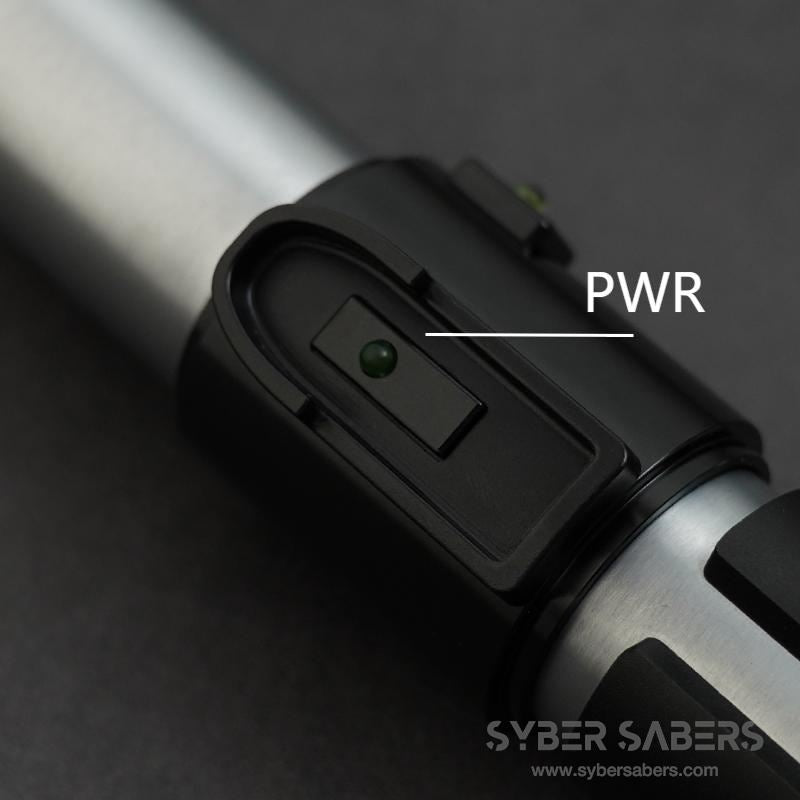
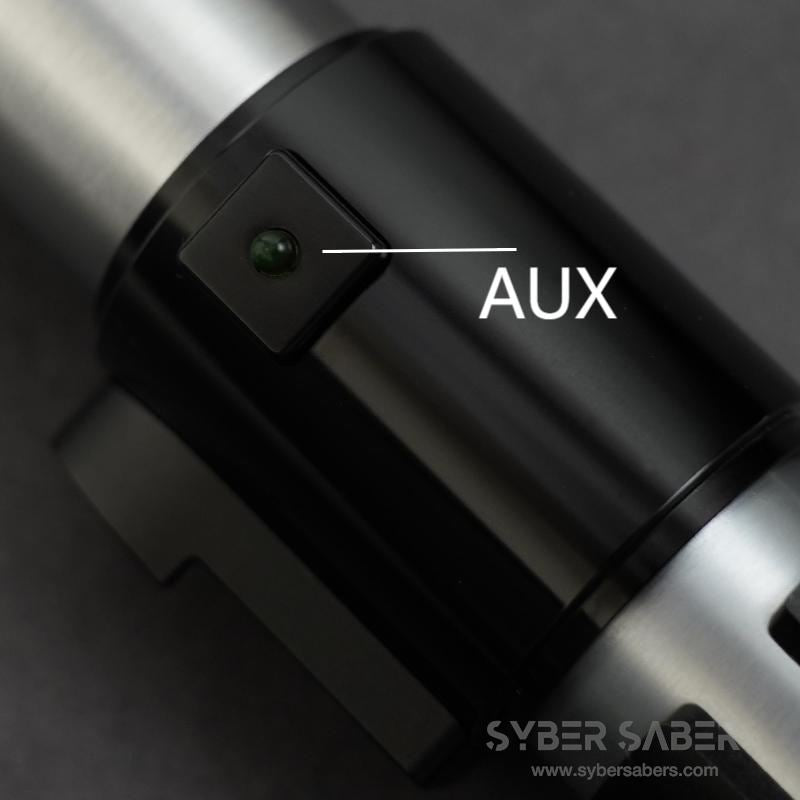
| Button Configuration | 2 Buttons |
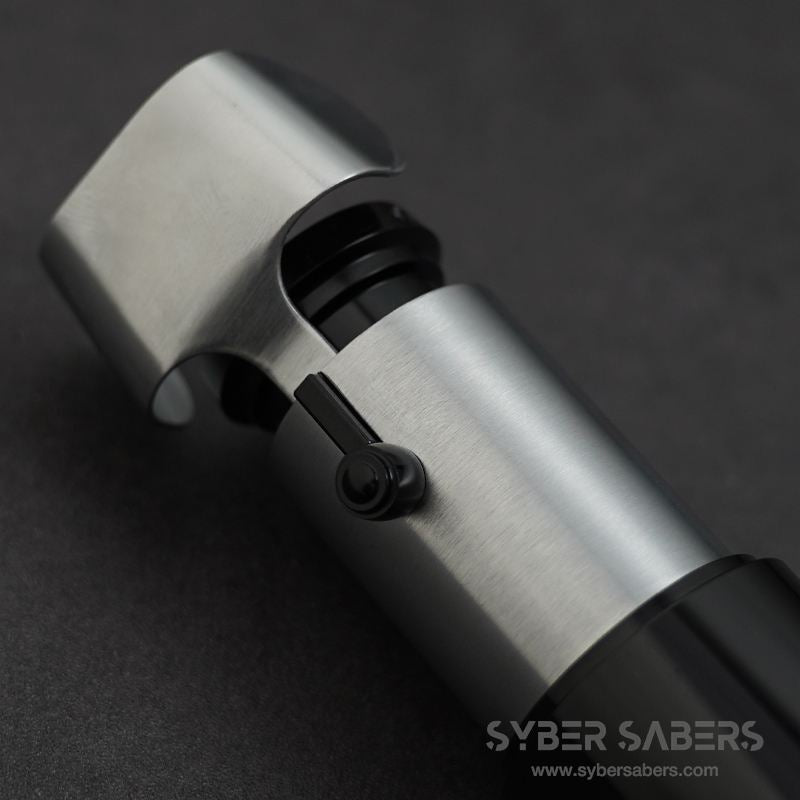
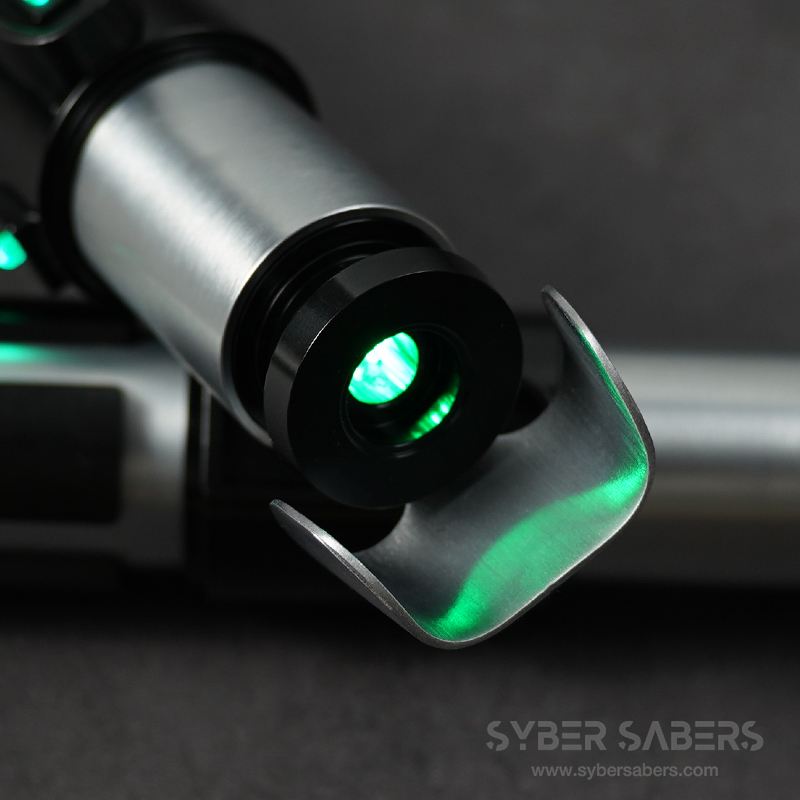
| Button Location | Green LED switches on the center clamp |
| Soundboard | Proffieboard V3.9 |
| Speaker | 22mm 4Ω 3W Speaker |
| Charging Method | Removable Battery |
| Battery Standard | KEEPPOWER 18650 Li-ion Battery (PSE compliant) |
| Blade Diameter | 3/4 inch |
| Hilt Size | 17.5cm |
Included Accessories
- Lightsaber hilt
- Blade plug
- 3/4-inch Neopixel blade
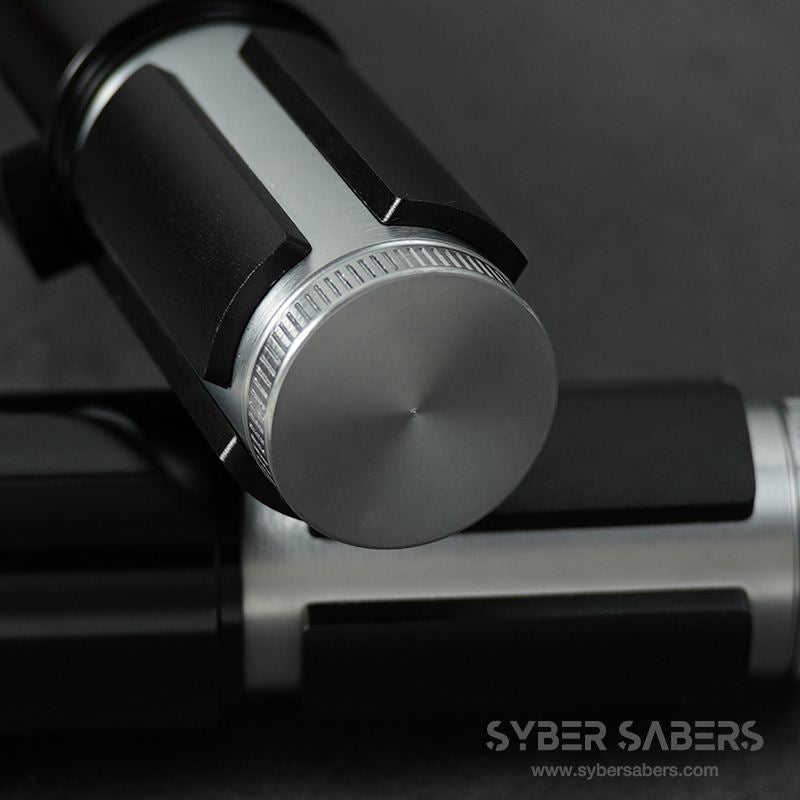
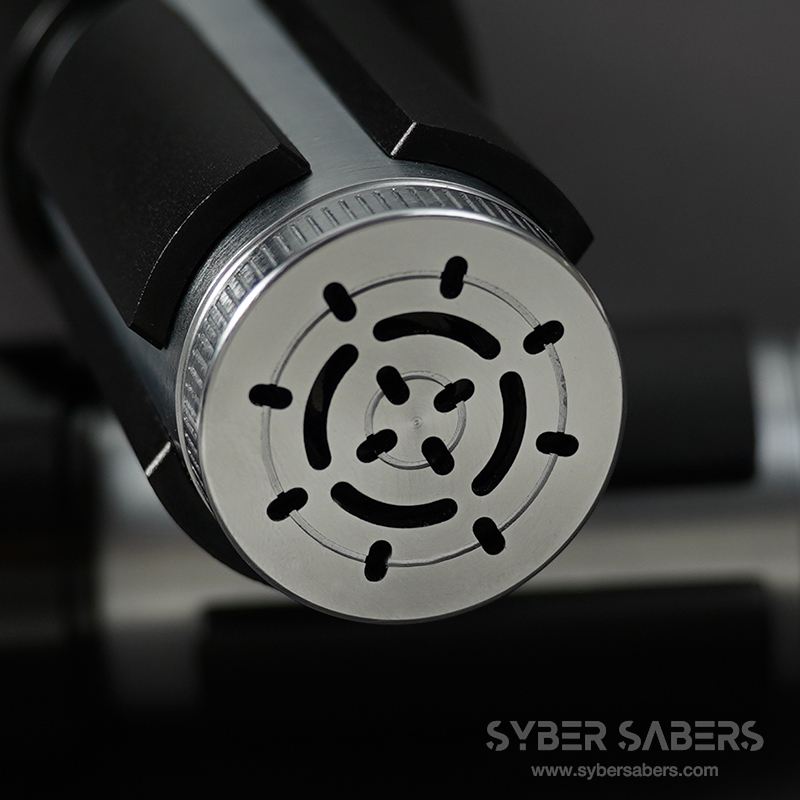
- Accurate pommel / Pommel with hole (one is pre-installed)
- Lightsaber stand
- Lightsaber storage case
- USB charger 5V/1A
Remarks
Remarks
About the Stand
Some 89SABERS saber stands require assembly. Please refer to the instructions below for assembly.
About the Charger
The charger included with 89SABERS Install Models may not be compatible with some KEEPPOWER (with protection circuit) battery sizes. We recommend purchasing the charger below as well.
About Chassis Installation and Removal
Please refer to the links below for instructions on installing and removing the chassis.
About the Internal Finish of GRAFLEX Models
Due to the manufacturing process, some machining marks may remain inside the hilts of GRAFLEX models. These are not defects. Please refer to the link below for details.
List of Features
List of Features
This is a feature common to models equipped with Proffieboard. It does not apply to products that do not include a circuit board, such as hilt kits and individual parts.
Combat & Effects
- Smooth Swing: The drive sound changes smoothly according to the speed and direction of the swing
- Flash on Clash: The blade flashes in time with the impact of a clash
- Clash Intensity-Linked Sound: The volume changes according to the strength of the impact
- Lockup: A blade-locking effect
- Stab: A thrusting effect activated by thrusting forward
- Drag: Thrusting the blade downward produces a spark effect as if scraping the ground
- Melt: Thrusting the blade forward produces an effect as if melting through the target
- Blaster: An effect that deflects blaster bolts
- Multi-Blast: Continuously deflects incoming bolts
- Lightning Block: An effect that absorbs Force Lightning
- Force Push: Pushing forward slowly activates a Force Push
- Battle Mode 2.0: Clash, lockup, and other effects are automatically activated by the movement of the blade alone, without button operation. This mode is designed for duels and kata
Motion Controls
- Swing to Activate: Simply swinging the hilt turns the blade on (it will activate in Battle Mode)
- Twist to Stow: Twisting the hilt turns the blade off
- Motion Control ON/OFF: Motion controls can be disabled on the device when not needed
Sound & Lighting
- RGB Color Change: You can change and save the blade color to your preference
- Blade Style Switching: Switch between preset lighting patterns
- Multi-Phase: Switch between presets (sets of sound and light) using motion controls
- BGM Playback: Play music stored on an SD card using the track player
- Two Startup Sounds: The startup sound changes depending on the orientation of the blade
- Voice Color Name Guide: Announces the color name when the color is changed
- Voice Battery Level Guide: Announces the remaining battery percentage
On-Device Settings (Edit Setting Mode)
The following can be adjusted without a computer, using the device buttons and hilt rotation.
- Volume
- Blade brightness
- Blade length (number of illuminated LEDs)
- Clash sensitivity
- Motion settings (12 items including swing activation, twist stow, Force Push, etc.)
- SD card access (switch to a state where the SD card can be read/written via USB connection)
Operation Instructions
- Proffieboard Model Operation Manual
- Edit Setting Mode Operation Instructions
- Changing Settings on a Computer (Setting Manual)
*Features and operation methods may vary slightly depending on the model and arrival date. Please refer to the operation manual for details.
Other notes
Other notes
- 本商品は海外製品のため、微細な擦れや小傷がある場合がございます。細部の状態に敏感な方は、ご購入をお控えいただくことをおすすめいたします。
- 基板を搭載した商品につきましては、出荷前に動作確認を実施しているため、ブレード根元付近に装着痕や細かな傷が生じている場合がございます。
- メーカー純正の化粧箱が付属する商品につきましては、海外輸送時に生じた凹み・破れ等のダメージがある場合がございます。
- シャーシのデザイン(カラー)や付属品の仕様は、生産ロットの違いにより予告なく変更される場合がございます。
シェアする