SYBER SABERS
Korbanth - MALAK
Korbanth - MALAK
Ships within 5 business days
* For convenience store and Pay-easy payments, the estimate starts once payment is confirmed.Couldn't load pickup availability
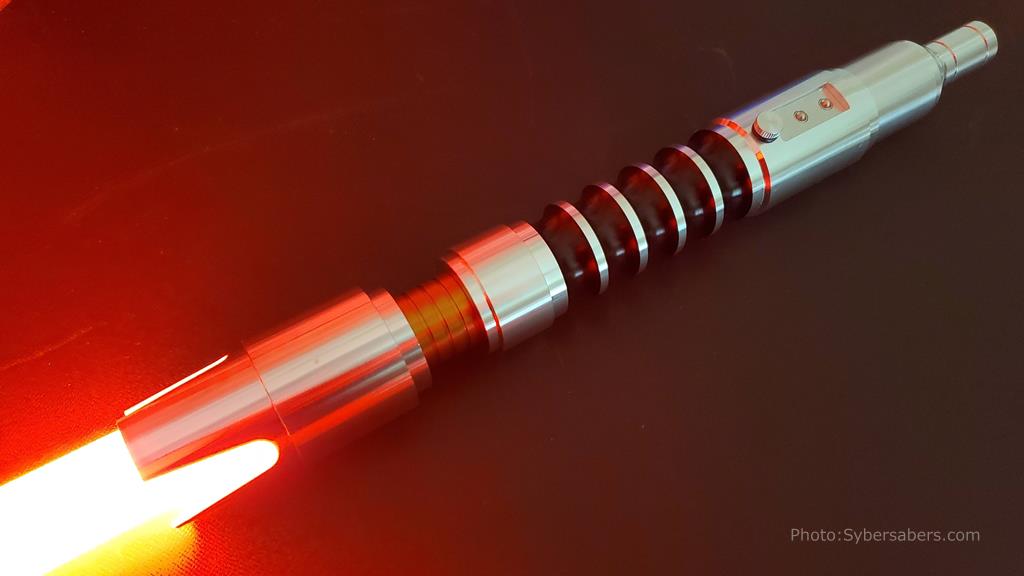
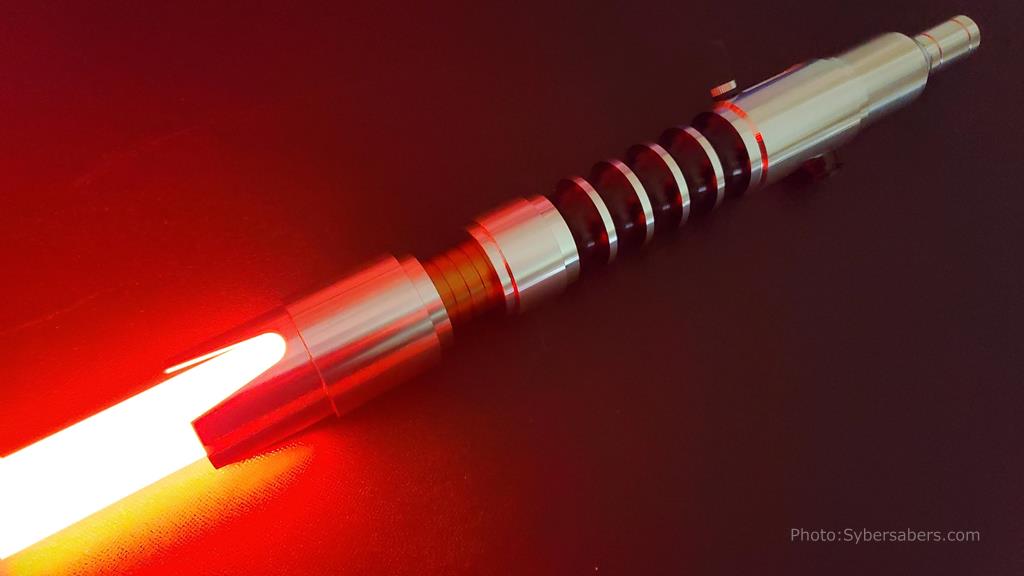
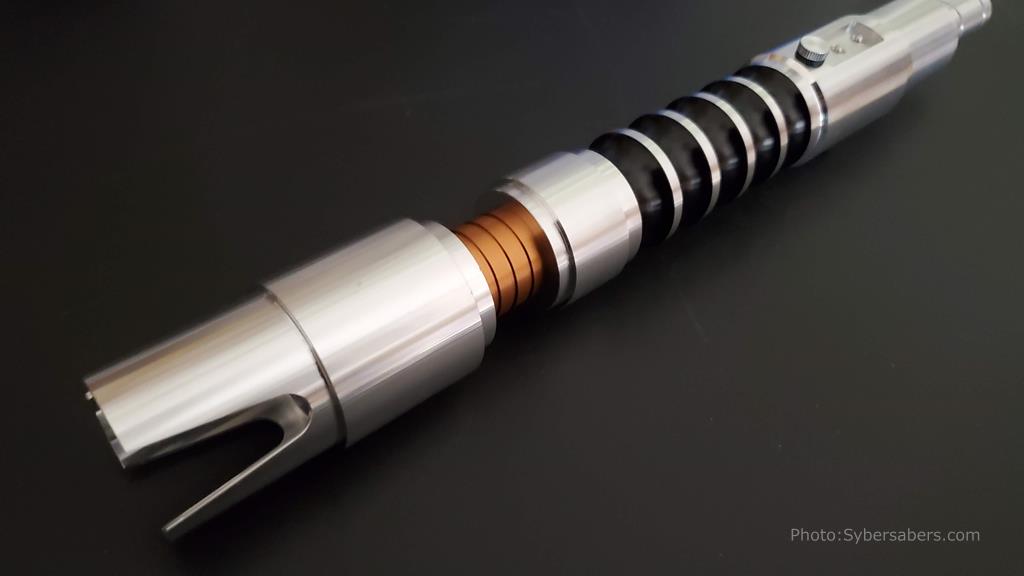
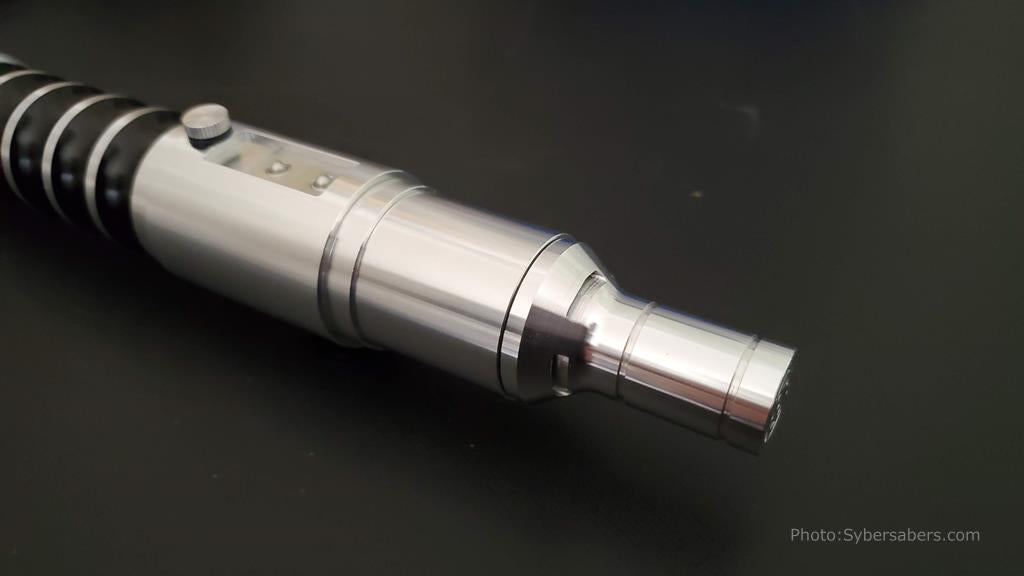
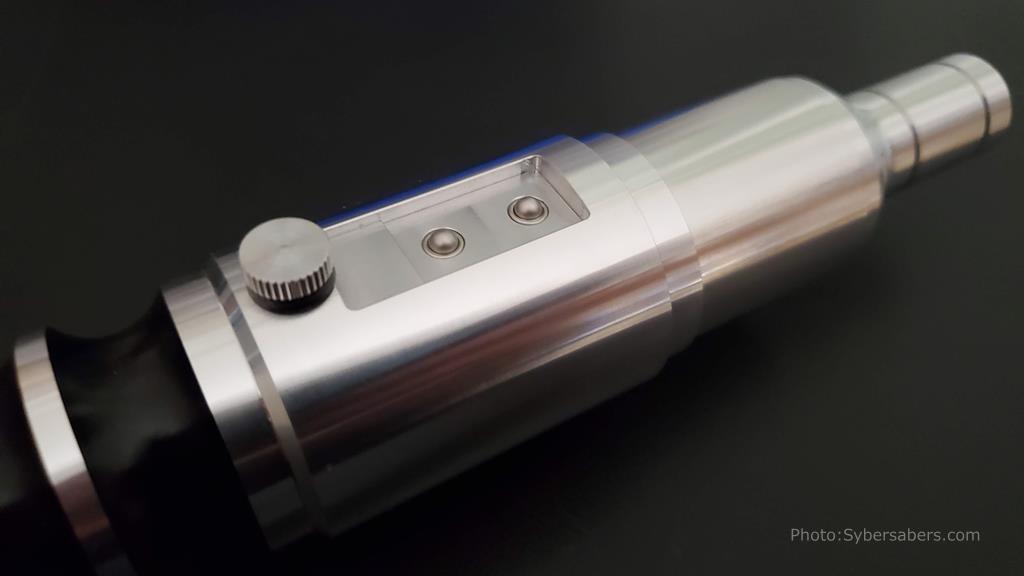
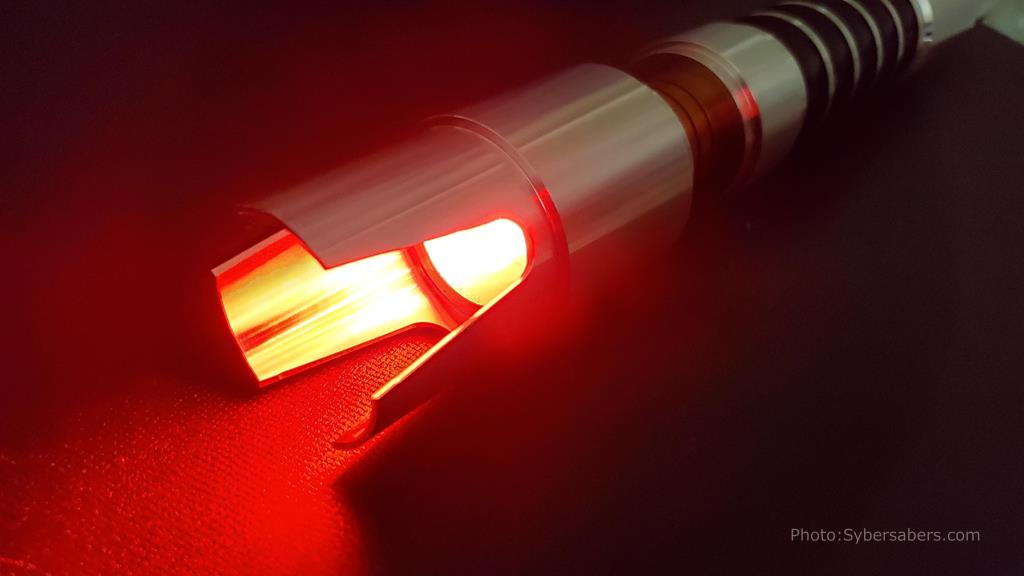
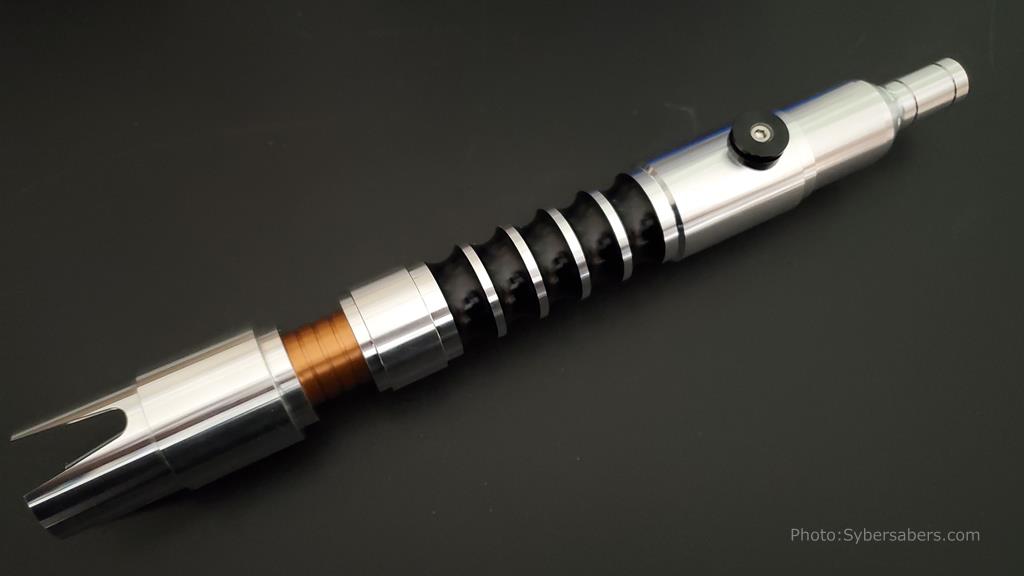
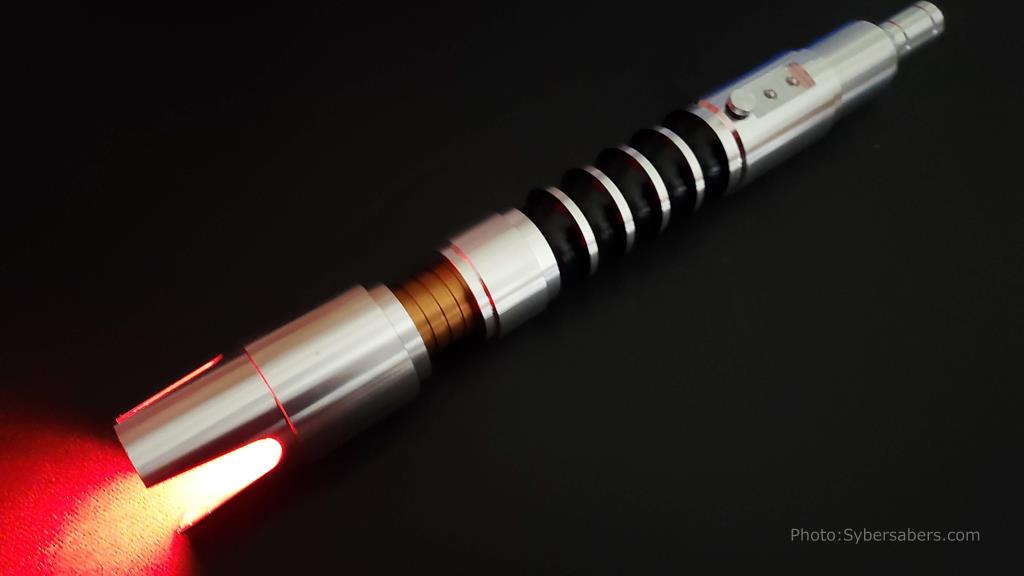
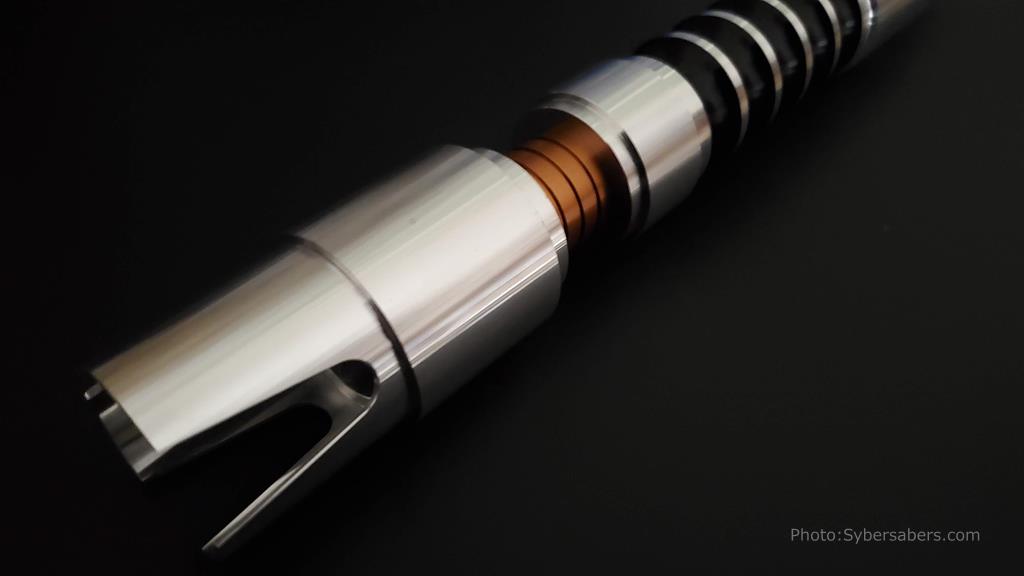
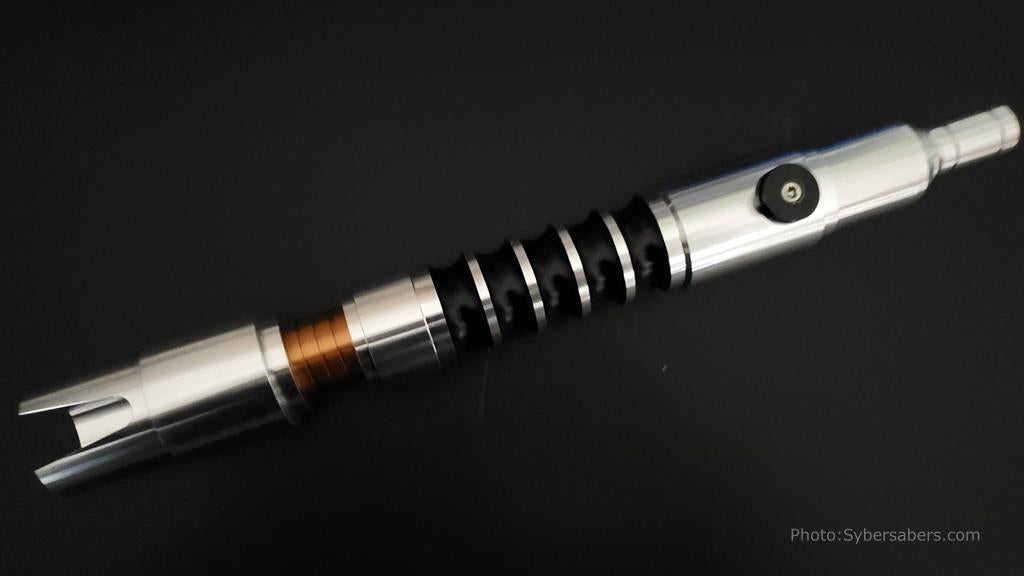
This is a custom lightsaber, a Darth Malak model made by Korbanth (LDM).
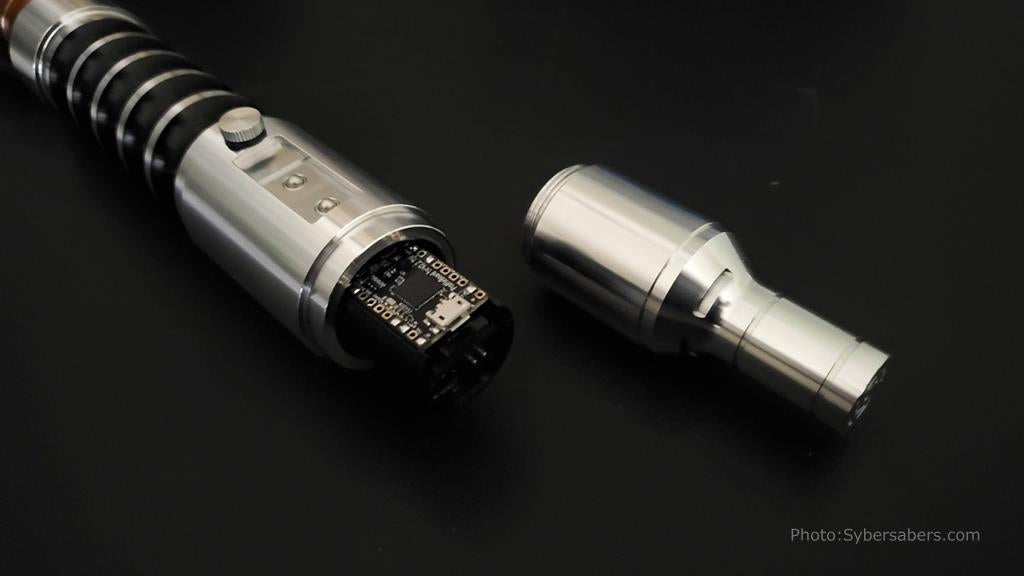
We used a Korbanth hilt, renowned for its high precision, and performed the installation ourselves. The core features the latest Proffieboard V3.9. With the latest OS applied, it allows for smooth swing and various motion actions, just like in the movies.
【Chassis Design Philosophy】
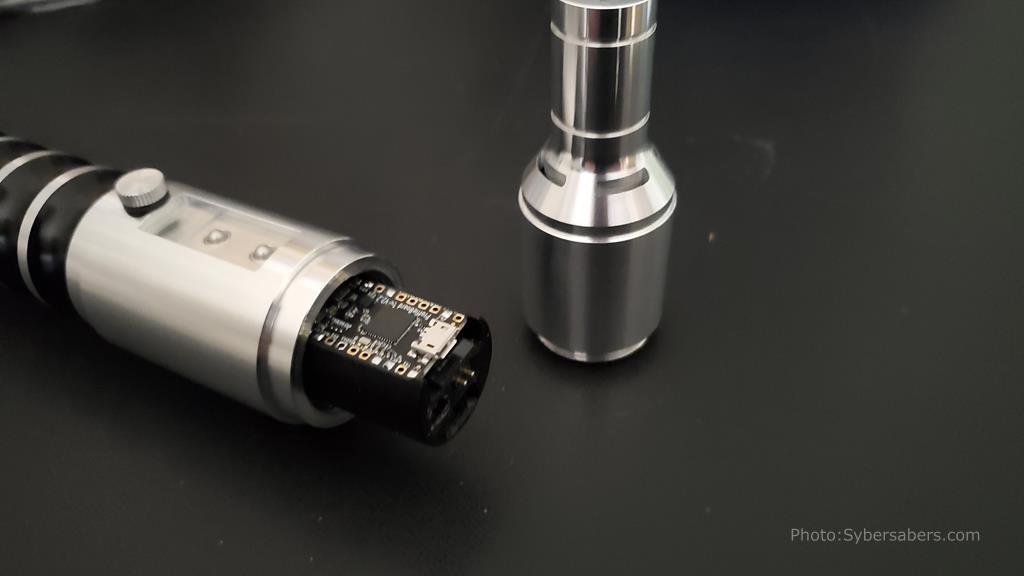
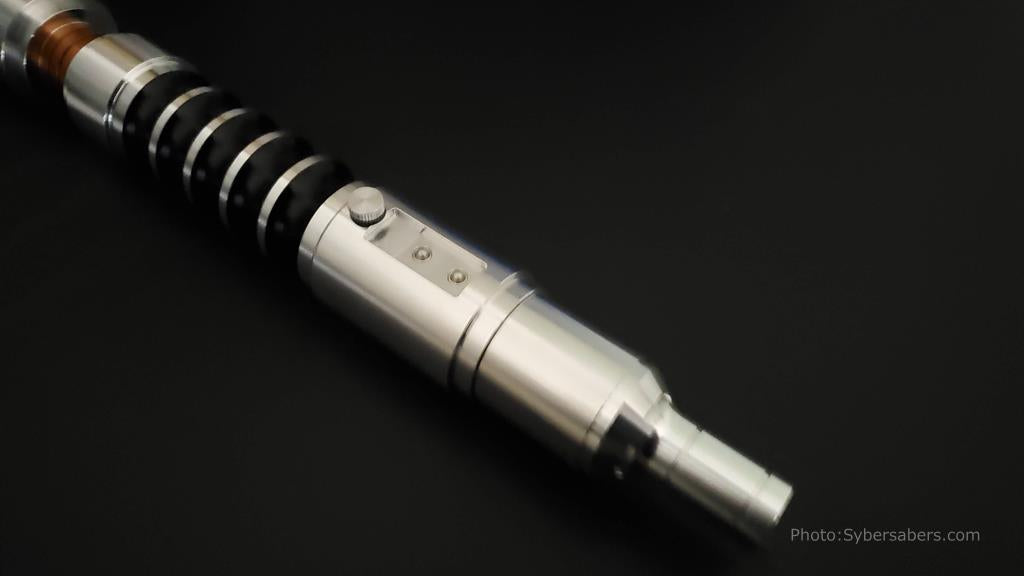
Prioritizing ease of maintenance, we adopted a design where the speaker holder can be easily removed by hand.
This allows access to the SD card and USB port without disassembling the chassis, making setting changes and data management very smooth.
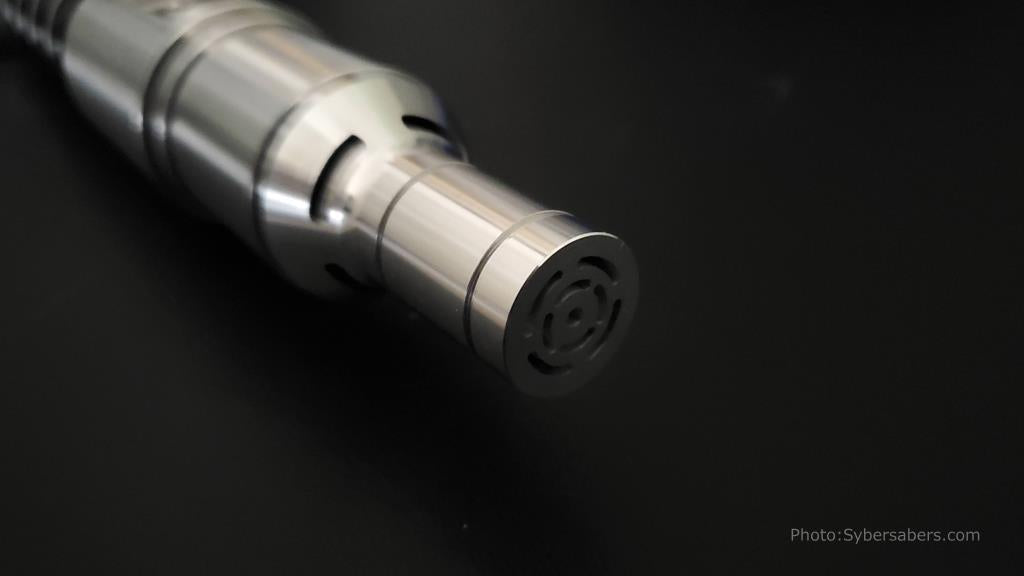
The speaker is a high-power 3W speaker with a 22mm diameter. By placing it directly under the pommel (bottom cap), sound output is improved, achieving powerful and loud volume.
Product Specifications
| Hilt (Model) | Korbanth (LDM) Malak |
|---|---|
| Sound Board | Proffieboard V3.9 (Latest OS applied) |
| LED | NeoPixel RGB (Connector installed) |
| Battery Standard | KEEPPOWER 18650 Lithium-ion Battery (PSE compliant) |
| Speaker | 22mm 4Ω 3W Speaker |
| Charging Method | Recharge Port Method |
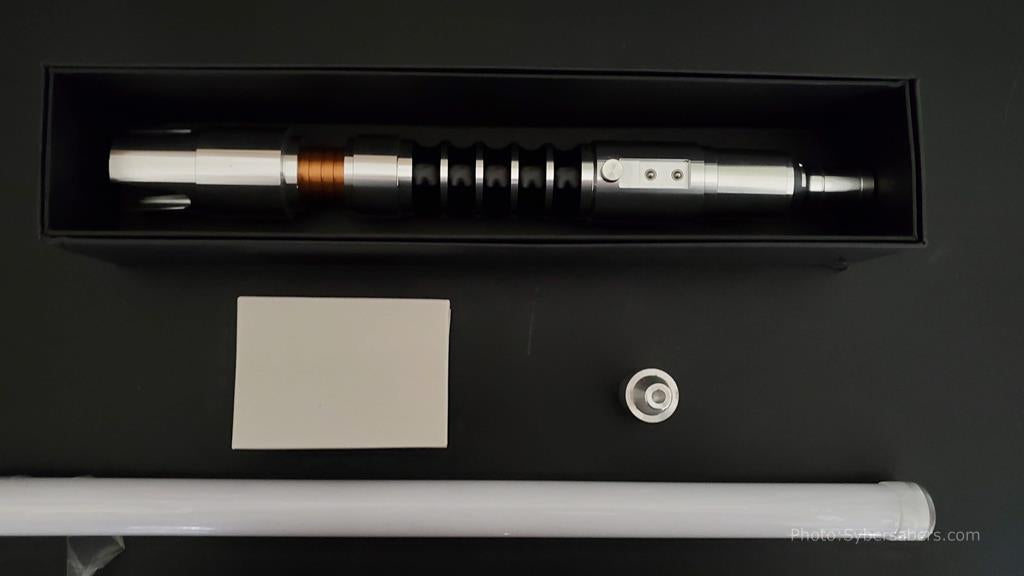
Contents
- Lightsaber body
- NeoPixel blade
- Blade plug
- Charger
Notes
- As overseas hilts are used, there may be minor scratches from manufacturing or shipping. If you are looking for a perfectly flawless item, we recommend refraining from purchase.
機能一覧
機能一覧
This is a feature common to models equipped with Proffieboard. It does not apply to products that do not include a circuit board, such as hilt kits and individual parts.
Combat & Effects
- Smooth Swing: The drive sound changes smoothly according to the speed and direction of the swing
- Flash on Clash: The blade flashes in time with the impact of a clash
- Clash Intensity-Linked Sound: The volume changes according to the strength of the impact
- Lockup: A blade-locking effect
- Stab: A thrusting effect activated by thrusting forward
- Drag: Thrusting the blade downward produces a spark effect as if scraping the ground
- Melt: Thrusting the blade forward produces an effect as if melting through the target
- Blaster: An effect that deflects blaster bolts
- Multi-Blast: Continuously deflects incoming bolts
- Lightning Block: An effect that absorbs Force Lightning
- Force Push: Pushing forward slowly activates a Force Push
- Battle Mode 2.0: Clash, lockup, and other effects are automatically activated by the movement of the blade alone, without button operation. This mode is designed for duels and kata
Motion Controls
- Swing to Activate: Simply swinging the hilt turns the blade on (it will activate in Battle Mode)
- Twist to Stow: Twisting the hilt turns the blade off
- Motion Control ON/OFF: Motion controls can be disabled on the device when not needed
Sound & Lighting
- RGB Color Change: You can change and save the blade color to your preference
- Blade Style Switching: Switch between preset lighting patterns
- Multi-Phase: Switch between presets (sets of sound and light) using motion controls
- BGM Playback: Play music stored on an SD card using the track player
- Two Startup Sounds: The startup sound changes depending on the orientation of the blade
- Voice Color Name Guide: Announces the color name when the color is changed
- Voice Battery Level Guide: Announces the remaining battery percentage
On-Device Settings (Edit Setting Mode)
The following can be adjusted without a computer, using the device buttons and hilt rotation.
- Volume
- Blade brightness
- Blade length (number of illuminated LEDs)
- Clash sensitivity
- Motion settings (12 items including swing activation, twist stow, Force Push, etc.)
- SD card access (switch to a state where the SD card can be read/written via USB connection)
Operation Instructions
- Proffieboard Model Operation Manual
- Edit Setting Mode Operation Instructions
- Changing Settings on a Computer (Setting Manual)
*Features and operation methods may vary slightly depending on the model and arrival date. Please refer to the operation manual for details.
その他注意事項
その他注意事項
- 本商品は海外製品のため、微細な擦れや小傷がある場合がございます。細部の状態に敏感な方は、ご購入をお控えいただくことをおすすめいたします。
- 基板を搭載した商品につきましては、出荷前に動作確認を実施しているため、ブレード根元付近に装着痕や細かな傷が生じている場合がございます。
- メーカー純正の化粧箱が付属する商品につきましては、海外輸送時に生じた凹み・破れ等のダメージがある場合がございます。
- シャーシのデザイン(カラー)や付属品の仕様は、生産ロットの違いにより予告なく変更される場合がございます。
発送の目安に記載がありませんが、どの程度かかるのでしょうか。
ご質問ありがとうございます。商品の発送時期についてご案内いたします。
こちらの商品は、ご注文をいただいてから当店にてインストール(内部基板等の組み立て施工)を行いますため、発送までに約30日ほどお時間をいただいております。
また、仕様につきましては、最新のProffieboard V3.9を使用して製作いたします。
ぜひご検討いただけますと幸いです。 その他ご不明な点がございましたら、お気軽にお問い合わせください。
はじめまして、こんにちは。
下記、ご教示頂けますと幸いです。
・納期はどの程度でしょうか?
・Neopixelブレードは附属していますでしょうか?
・proffieboardを使用した経験がないのですが、自分で用意した音源(.wav)をサウンドフォントとして書き込むことは可能なのでしょうか?
はじめまして。ご質問ありがとうございます。
質問の件ですが、下記に回答させて頂きます。
①納期はどの程度でしょうか?
→回答:在庫ございますのでご注文(お支払い)から5日以内に発送させて頂きます。
②Neopixelブレードは附属していますでしょうか?
→回答:付属なしとしておりましたが、ブレード付属商品に変更させて頂きました。(ネオピクセルブレードが付属します。)
③proffieboardを使用した経験がないのですが、自分で用意した音源(.wav)をサウンドフォントとして書き込むことは可能なのでしょうか?
→回答:Proffieboardの場合、SDカードにフォントを追加する+パソコンを使い追加したフォントを基板に認識させる作業が通常のやり方となります。ですが、SDカード内にある既存のフォントフォルダの中身をお手持ちの音源と変更することでしたら可能です。例えば元々セットされていたルークのフォントフォルダの中身を削除し、お手持ちのオビワンのフォントに書き換えるといった形です。ただしこのやり方ではブレ―ドエフェクトは変更できないという欠点があります。
その他ご不明な点がございましたら気軽にご相談ください。
Share


